

You're comparing AI task automation tools for Make.com, and most options blur together after a few demos. The real differentiator is how cleanly each tool handles webhook triggers and parses conversational task input, which determines whether your automation survives contact with real team messages.
By the end of this article, you'll have a concrete evaluation framework covering Make integration depth, AI parsing accuracy, and field team support. You'll also get a clear #1 pick that solves the WhatsApp-to-automation gap, plus five alternatives with specific trade-offs for your team size and budget.
What to Look For in AI Task Automation Tools for Make Integration
When evaluating AI task automation tools for Make.com integration, focus on native webhook support, AI parsing accuracy, and the ability to trigger complex workflows without manual intervention. These three pillars determine whether a tool will save you hours each week or create a new layer of technical debt.
The right tool should feel invisible inside your existing automation stack. It should accept task data from any source, understand what needs to be done, and route that information into Make.com scenarios with minimal configuration.
Consider how the tool handles edge cases. A task automation tool that fails silently on a misread date or a missing field can break downstream processes. Look for tools that surface errors clearly and offer fallback options within your Make.com scenarios.
Core Make.com Integration Capabilities and Webhook Support
A tool's Make.com integration should offer seamless webhook triggers and API connectors that allow you to pass task data directly into your automation scenarios. Native webhook support means the AI tool can generate a URL that Make.com listens to, receiving payloads whenever a new task is created or updated.
Beyond basic triggers, examine the depth of two-way sync. Can the tool update task status in its own interface when Make.com completes a workflow step? Bidirectional communication matters when you need a single source of truth across your systems.
Conditional logic is another critical factor. Your scenarios may need to branch based on task priority, assignee, or custom fields. Verify that the AI tool preserves these attributes in the data it sends to Make.com, so you can build if/then branches without losing context.
Error handling deserves equal attention. Look for built-in retry mechanisms, timeout settings, and clear failure notifications. Test the integration with a simple scenario first, such as creating a task and triggering a Slack notification, before committing to complex complicated processes.
AI Accuracy in Task Parsing and Natural Language Understanding
The AI must accurately interpret user intent from natural language or voice notes, converting them into structured tasks with correct due dates, priorities, and assignments. This parsing capability is the difference between a tool that feels magical and one that requires constant manual correction.
Modern large language models like GPT-4, Claude, and Gemini excel at understanding context and nuance. They can distinguish between "next Tuesday" and "Tuesday next month," and they can infer urgency from phrasing like "as soon as possible." However, no model is perfect, and common parsing errors still occur.
Date misinterpretation is the most frequent failure point. A phrase like "review the Q3 report on Friday" could mean this Friday or the Friday after, depending on context. Test your shortlist with sample inputs that include ambiguous dates, multiple assignees, and nested priorities.
Some tools offer custom AI models or fine-tuning options. This allows you to train the parser on your team's specific vocabulary, project names, and recurring task patterns. Custom AI models improve accuracy significantly for teams with domain-specific terminology.
Run a structured accuracy test before committing. Feed each candidate tool the same 20 sample task descriptions and compare how many come through with correct fields. This quick benchmark gives you a realistic sense of real-world performance.
1. Tasks.Bot - Best Overall
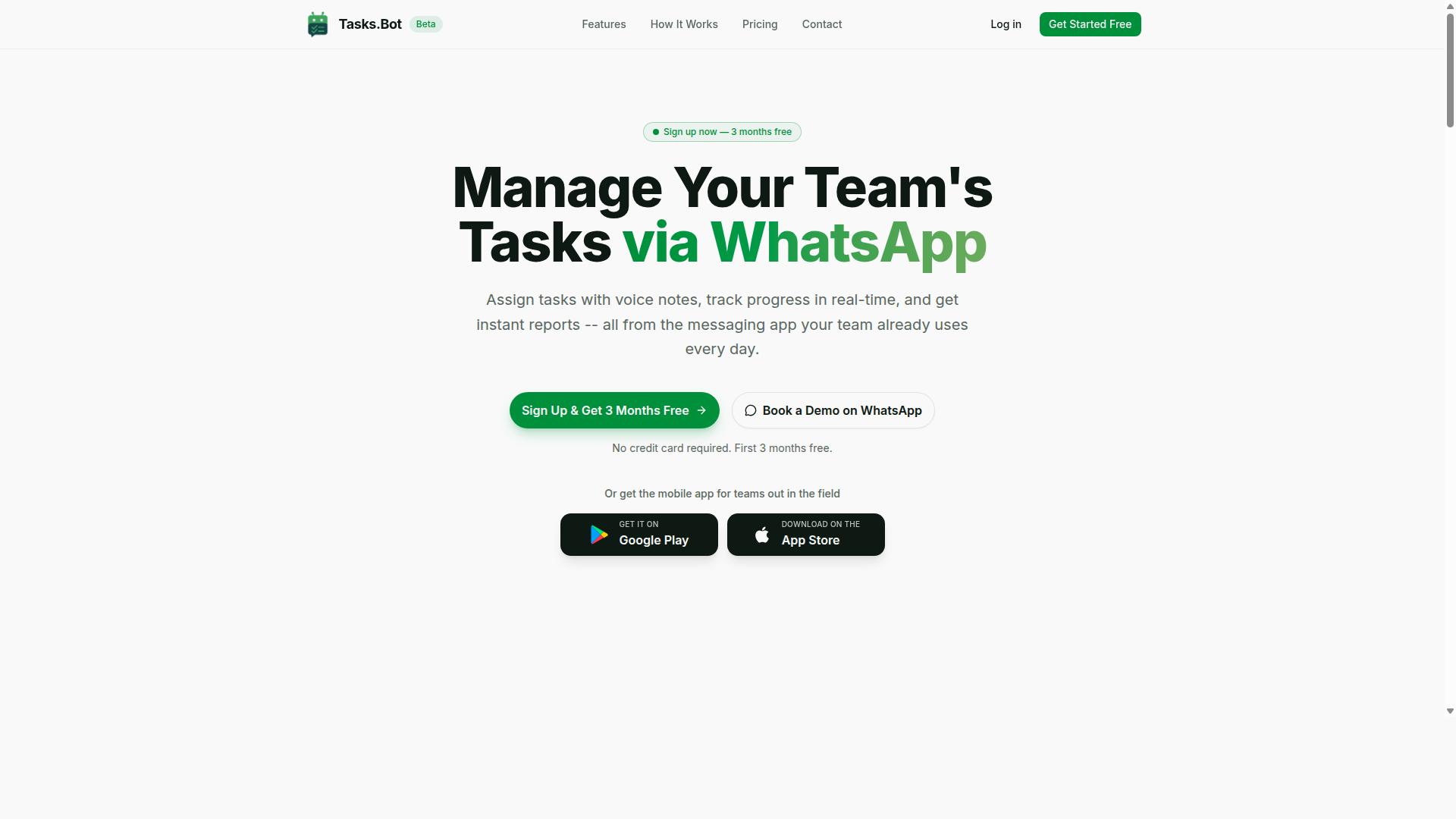
Tasks.Bot stands out as the best overall choice for teams that live in WhatsApp, offering AI-powered task creation that seamlessly integrates with Make.com for advanced automation. As a SaaS product available globally, it is currently in beta, yet it already delivers a complete task management experience without forcing teams to abandon their preferred messaging platform.
The core value proposition is simple: your team already uses WhatsApp daily, so why add another tool to learn? Tasks.Bot removes the friction of switching between apps by bringing task management directly into the conversation flow. This makes it particularly effective for field teams, remote workers, and organizations where WhatsApp is the primary communication channel.
Its feature set covers the full task lifecycle, from creation through completion. Voice note task creation, automatic assignment, smart deadline reminders, approvals and automations, and instant reports are all included. The platform also offers tasks on a map, a live day tracker, face-verified attendance, and shifts, leave, and hours management, making it a genuinely comprehensive solution for operational teams.
WhatsApp-Native Task Creation with AI and Make Automation Triggers
Tasks.Bot lets team members create tasks directly in WhatsApp using natural language or voice notes, and each task can automatically trigger a Make.com scenario via webhooks. The AI parses the message content, identifies the intent, and converts it into a structured task complete with due dates and assignees. No training or special syntax is required, which means adoption is nearly instant.
For example, a field supervisor can send a voice note saying, "Follow up with the client at the downtown site tomorrow at 10 AM." The AI extracts the key details, creates the task, and assigns it to the appropriate team member. From there, a webhook trigger sends the task data to Make.com, where a scenario can log the entry in a CRM, send a confirmation message, or create a follow-up task for the next day.
This integration approach is powerful because it enables no-code automation without requiring custom development. Teams can build workflows that update spreadsheets, post to Slack, or trigger email automation based on task events. The key advantage is that no installation or new accounts are required for team members. Everything operates within WhatsApp, so the barrier to entry is essentially zero.
Field Team Features and Pricing for 2026
Tasks.Bot includes field-team-specific features like face-verified attendance and payroll-ready hours, all accessible via WhatsApp, and its pricing is straightforward for 2026. Field staff can check in using face verification, and the system tracks their hours in a format that is ready for payroll processing. This eliminates manual timesheet entry and reduces administrative overhead significantly.
The platform also offers GPS-based task tracking through its tasks on a map feature, giving managers a real-time view of where work is happening. The live day tracker provides visibility into daily progress, while shifts and leave management keeps scheduling organized. Android and iOS apps extend the experience with push notifications, voice capture, and a home screen widget for quick access.
Pricing follows a simple Full Access model where all features are included in every plan. The monthly rate is 200 per member, while the annual plan costs 1,200 per member per year, which represents a 50% savings. Pricing is also available in US Dollars, and new users get a 3-month free trial with no credit card required. Since the product is currently in beta, interested teams can book a demo via WhatsApp to see the platform in action before committing.
2. Reminderly.ai
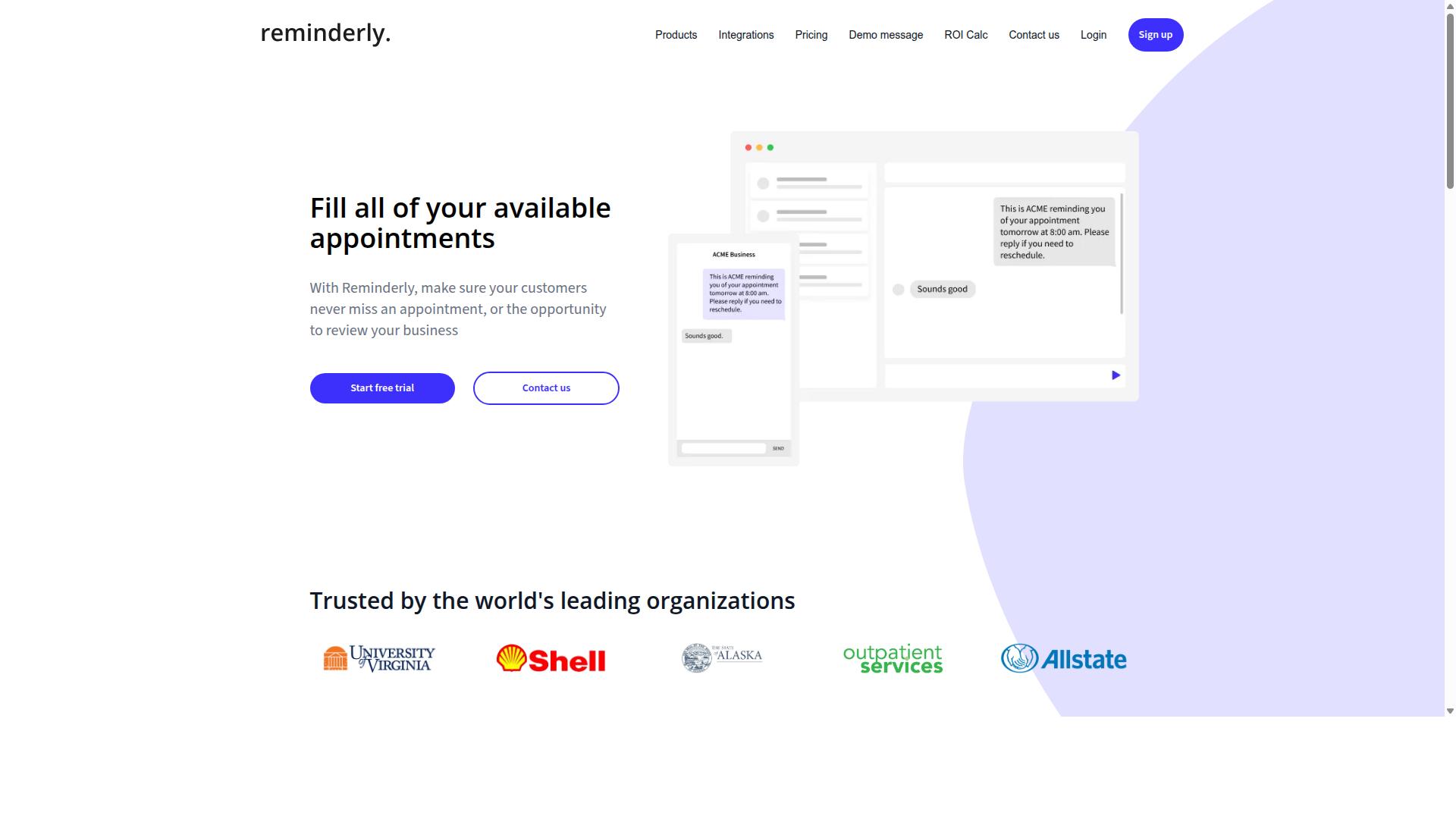
Reminderly.ai focuses on AI-driven reminders and task scheduling, but its Make.com integration is limited compared to more robust platforms. The tool is built around a straightforward premise: helping users remember important tasks without complex setup.
Natural language input is the standout feature. Users can type phrases like "remind me to send the invoice every Friday at 3 PM" and the AI parses the intent automatically. This removes the friction of configuring date fields, time zones, and recurrence rules manually.
The core strengths are simple to summarize. Reminderly.ai excels at quick capture, basic scheduling, and delivering notifications across channels. For individuals juggling personal deadlines or small teams tracking recurring chores, this level of functionality often proves sufficient.
However, the Make.com integration typically operates through webhooks with limited scope. Expect trigger functionality, such as creating a reminder when a webhook fires, but do not count on deeper action capabilities or complex data transformation. This is a one-way street, not a full bidirectional workflow.
Users needing conditional logic, error handling, or multi-step task orchestration will hit walls quickly. The tool does not position itself as a workflow automation engine, and attempting to force it into that role usually leads to frustration.
For teams already invested in Make.com for serious automation, Reminderly.ai works best as a supplementary notification layer. Pair it with a primary automation hub that handles the heavy lifting of data enrichment, API connectors, and trigger actions across multiple systems.
Pricing and specific feature availability may shift over time. As with any SaaS product, it is wise to verify current integration capabilities before committing to a workflow. The core value proposition, however, remains consistent for its target audience.
Reminderly.ai suits individuals, freelancers, or small teams who need reliable nudges without administrative overhead. If your needs extend beyond simple alerts into full task orchestration with AI agents and batch processing, a more comprehensive platform with deeper Make.com integration is the safer choice.
3. TaskRio
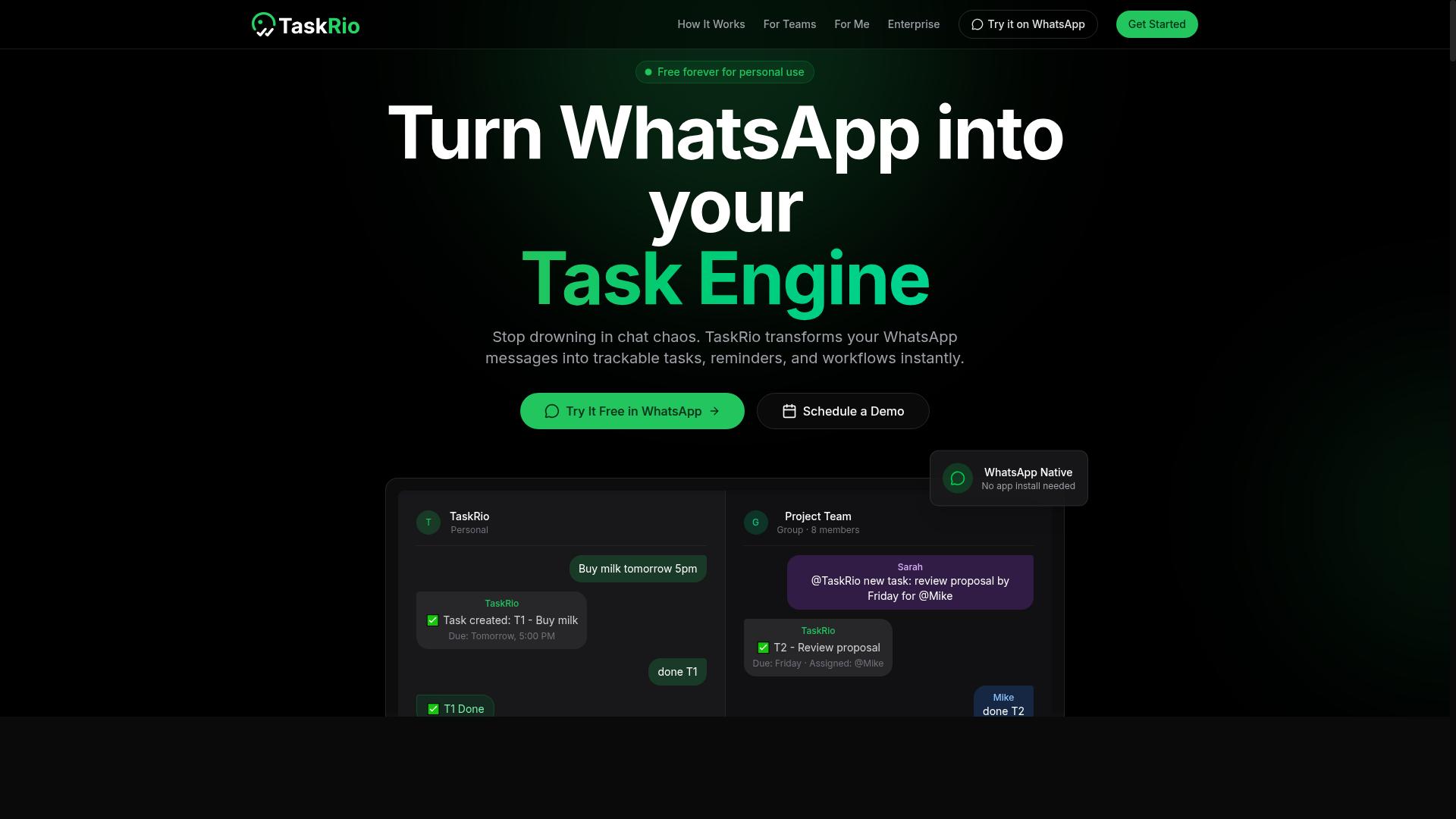
TaskRio offers AI-powered task assignment and tracking, with Make.com integration that supports basic triggers but lacks advanced conditional logic. The platform is built around simplicity, making it a solid choice for teams that want to organize work without wrestling with complex configuration screens.
Its core strengths lie in intuitive task creation and clean project views. Team members can quickly spin up tasks, assign owners, and set deadlines in seconds. The mobile app mirrors the desktop experience, so updates on the go feel natural rather than clunky.
For Make.com users, TaskRio connects through webhook triggers that fire when new tasks are created or statuses change. This works well for straightforward flows like adding a task when a form is submitted or notifying a channel when work is completed. However, the integration has limits.
Complex scenarios such as data transformation or human-in-the-loop approvals are not well supported. If your workflow requires multi-step conditional logic, custom API connectors, or AI agents that iterate on task details before routing them, TaskRio will feel restrictive. You will likely need to build workarounds outside the platform.
TaskRio is best suited for teams that need straightforward task tracking and are comfortable with simpler automations. It is a practical option for small groups, creative teams, or operations that prioritize clarity over advanced orchestration. If your Make.com scenarios are mostly trigger-and-notify, TaskRio covers the basics reliably. For deeper automation needs, you may want to look elsewhere.
4. Karo.bot
Karo.bot is a chatbot-oriented task automation tool that integrates with Make.com primarily through chat triggers, making it a good fit for conversational workflows. It positions itself as a platform for teams that already rely on chat interfaces for daily operations, whether that means customer service bots or internal team communication channels.
The core idea is simple: instead of manually creating tasks in a separate system, users can send a message to a bot and have that message become a structured task. This natural language processing approach reduces friction for non-technical team members who may not want to learn complex dashboard interfaces or form builders.
Integration with Make.com works through webhook triggers and API connectors. When a chat message arrives, Karo.bot can forward the relevant data to Make, where you can build workflows that route the task to the right person, update a CRM, or trigger a series of downstream actions. This is a solid pattern for teams that want to automate task creation without abandoning their chat tools.
However, there are some limitations to consider. Advanced AI parsing may be limited, so features like voice note transcription or complex intent recognition might not be available out of the box. The setup process can also require more manual configuration than some competitors, especially if you need to map chat data fields to your Make.com scenario schema.
For teams that are already comfortable with chatbot workflows, Karo.bot can be a useful piece of the puzzle. It works best when the chat interface is already an established part of your operations, rather than as a standalone task automation hub. If your team lives in Slack, Teams, or a customer support chat tool, this conversational approach is worth evaluating.
That said, teams looking for broader AI capabilities, such as intelligent task extraction from email, document analysis, or voice input, may find the conversational focus limiting. It is a purpose-built tool for a specific workflow pattern, not a general-purpose automation platform. Consider your team's existing communication habits before committing to this approach.
5. The Sarah AI
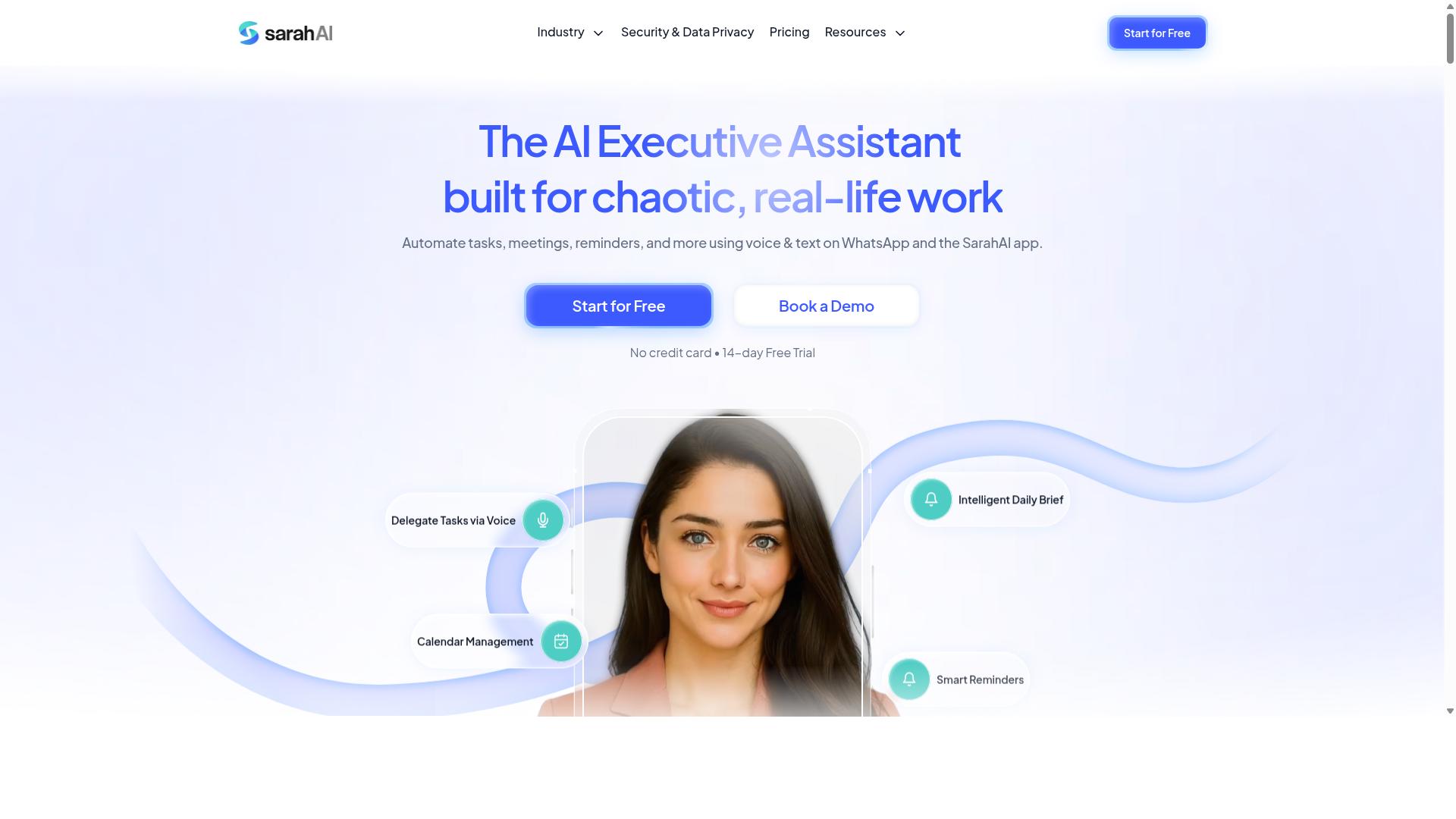
The Sarah AI leverages advanced AI agents to handle complex task automation, but its Make.com integration requires some technical know-how. This platform stands out for teams that need high-level AI understanding rather than simple trigger-and-action workflows. It processes natural language instructions well, which means you can describe an outcome and let the AI figure out the steps.
Where The Sarah AI truly shines is in its ability to manage multi-step tasks that involve judgment calls. For example, it can interpret an incoming email, decide whether it needs a human response, draft a reply, and update your CRM records. This kind of task orchestration goes beyond what typical no-code automation tools handle on their own.
The platform also shows potential for teams that want to run custom AI models alongside their automation. Instead of relying solely on generic LLM integration, you can tailor the AI's behavior to your specific industry or internal processes. This is valuable for organizations with unique data or specialized vocabulary that off-the-shelf models handle poorly.
However, the Make.com integration is not plug-and-play. You will likely need to build custom API connectors or set up webhook triggers to connect The Sarah AI with your Make scenarios. This adds configuration work on the front end, but it also gives you more control over how data flows between the two systems.
Teams that benefit most from The Sarah AI are typically tech-savvy and comfortable with scripting. If your team includes developers or automation specialists who can manage API endpoints and handle error handling, the extra setup effort pays off. The trade-off is simple: more configuration work now, but a more intelligent automation layer later.
For businesses that lack technical resources, this tool may feel overwhelming. The learning curve is steeper than with purpose-built Make.com integrations, and troubleshooting requires a solid grasp of how APIs and webhooks behave. If your priority is rapid deployment with minimal friction, a more streamlined platform might serve you better.
Consider The Sarah AI when your automation scenarios involve semantic search, data enrichment, or complex conditional logic that standard tools cannot handle. It is a powerful option for forward-thinking teams, provided you have the skills to configure and maintain the connection. Just budget time for the initial setup and expect to iterate on your API connectors as your workflows evolve.
6. Zoye AI
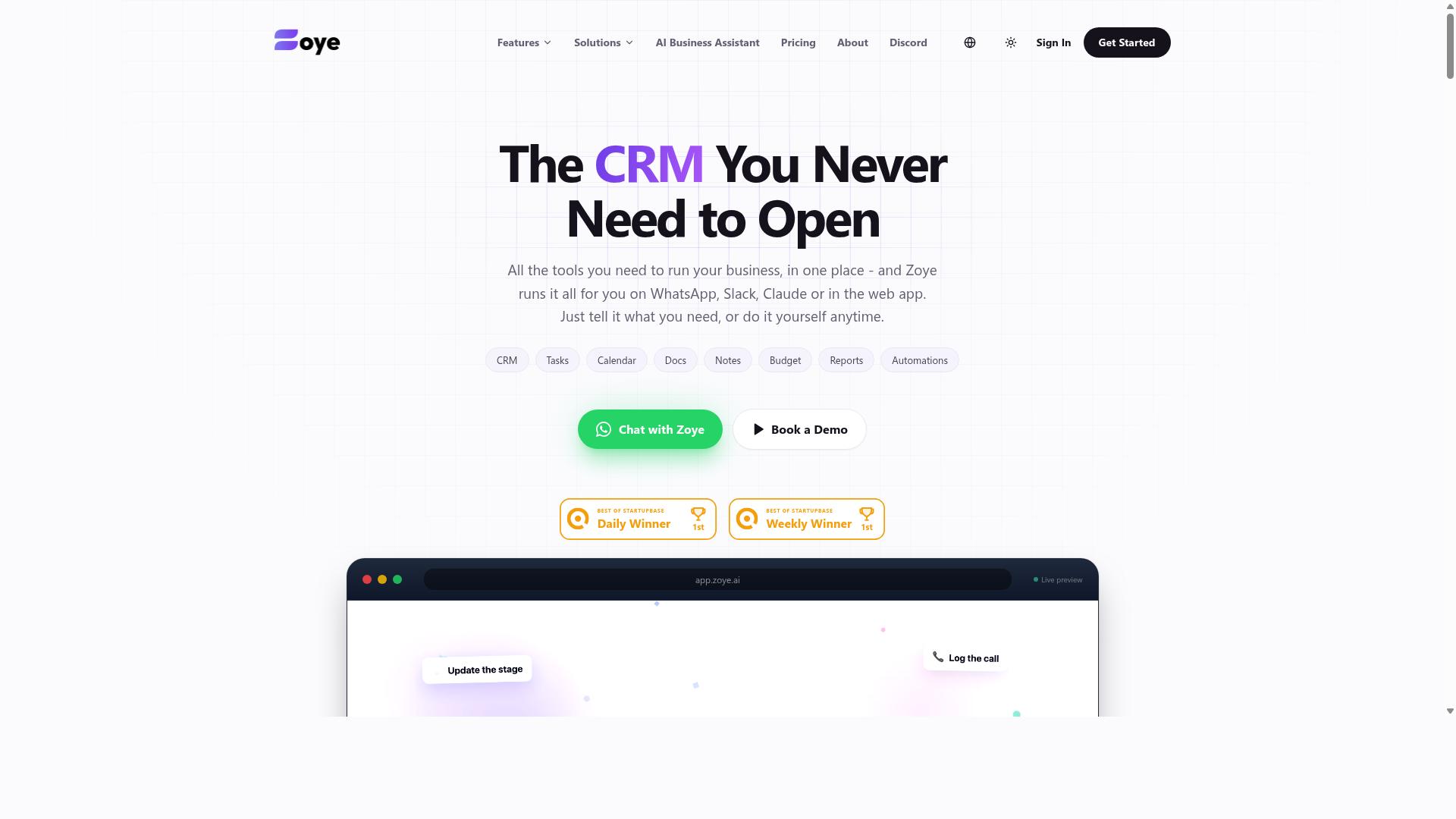
Zoye AI specializes in intelligent automation with a focus on data enrichment and lead scoring, and its Make.com integration is solid for data-driven tasks. The platform positions itself as an all-in-one AI project management workspace, combining tasks with native CRM, calendar, budget tracking, and reporting tools.
Where Zoye AI stands out is in its action-oriented AI assistant. The assistant can create tasks from emails, prioritize daily work, draft follow-ups, schedule deep-work blocks, and surface overdue items. It can even reshuffle dependent work when deadlines shift, which makes it genuinely useful for teams juggling multiple moving parts.
For Make.com users, Zoye AI supports webhook triggers and can perform data transformation within scenarios. This makes it a strong fit for automating lead routing, updating CRM records, or enriching contact data before it reaches other systems. Sales and marketing teams will find the most value here, especially when the goal is cleaner data flowing through automated pipelines.
That said, Zoye AI is not primarily a pure task management tool. Its strengths lean toward data-centric workflows rather than complex project orchestration. Teams that need heavy dependency mapping or granular task automation may find it limited, but for lead scoring and enrichment, it delivers practical results.
Pricing starts at an "Almost Free" tier of $5 per month, or $4 billed annually, for three members with the full platform including AI. The Starter plan runs $29 per month for 10 members, and Growth is $59 per month for 20 members. The AI assistant is included on every plan with no extra per-seat cost, which makes it an affordable option for small teams.
How to Choose the Right Option
Choosing the right AI task automation tool for Make integration depends on your team's size, budget, and the complexity of workflows you need to automate. The market in 2026 offers everything from lightweight no-code automation builders to enterprise-grade platforms with AI agents and task orchestration.
Tools vary significantly in three key areas: AI accuracy, Make.com integration depth, and pricing. Some platforms offer only basic webhook triggers, while others provide full API connectors, conditional logic, and error handling. Your choice should reflect the specific workflows your team runs daily.
Start by listing your must-have automations. Do you need scheduled tasks, batch processing, or human-in-the-loop approvals? Are you looking for natural language processing to interpret messages, or do you need data enrichment and lead scoring? Write these down before comparing options.
Consider your team's communication habits as well. Teams that rely on WhatsApp for daily coordination, particularly those with field staff, face different automation needs than fully remote office teams. The tool you choose should match how your people actually work.
Evaluating Automation Depth, Team Size, and Budget Constraints
Evaluate how deeply each tool integrates with Make.com-whether it supports only triggers or also actions, conditional logic, and error handling-and match that to your team's needs. A tool with shallow integration will limit your ability to build complex, complicated processes.
Use this checklist when comparing options:
- Automation depth: Does the tool support webhook triggers, API connectors, conditional logic, and error handling? Can it handle data transformation and prompt chaining for LLM integration with GPT-4, Claude, or Gemini?
- Team size: Does it scale for a five-person team or a large enterprise? Check whether pricing is per member and whether the feature set changes at different tiers.
- Budget: Compare pricing plans per member against the value delivered. A cheaper tool that requires manual workarounds may cost more in time.
For teams using WhatsApp with field staff, the workflow needs are specific. Tasks.Bot is designed for this exact scenario, supporting task management, attendance tracking, and payroll-ready hours for hundreds of teams already using the service. Its focus on field teams makes it a natural fit when your staff operates outside a traditional office.
Think about the complexity of your tasks. Simple automations like sending reminders or updating spreadsheets need only basic trigger actions. Complex workflows involving AI agents, custom AI models, or integration with OpenAI API and Anthropic API require deeper Make.com integration and more sophisticated error handling.
Finally, test the trials. Most platforms offer free evaluation periods, and this is where you can verify integration depth and AI accuracy firsthand. Build one real workflow during the trial, not a toy example, and see which tool handles your edge cases gracefully.
Final Verdict
For most teams, Tasks.Bot is the best overall choice due to its unique WhatsApp-native interface, AI accuracy, and strong Make.com integration, making it easy to adopt and automate. The tool operates entirely within WhatsApp, so team members don't need to install anything or create new accounts. That removes the biggest barrier to workflow automation adoption: getting people to actually use the system.
The AI understands natural language and voice notes for task creation, which means your team can describe work the way they naturally talk. No complex forms, no training sessions, no prompt chaining tutorials. Those task triggers then flow directly into your Make.com scenarios, turning simple messages into automated actions across your entire stack.
Tasks.Bot also offers face-verified attendance and live GPS tracking for field staff, making it a practical fit for teams that manage remote or mobile workers. Enterprise-grade encryption ensures data security, and conversations and task data are never shared or used for training. A 3-month free trial with no credit card required makes it easy to test before committing.
Other tools may suit specific niches. Zoye AI, for example, tends to appeal to teams with heavy data-centric automation needs. But those platforms often require more setup, more integration work, and more training before they deliver value.
If you want intelligent automation that your team will actually use, start with Tasks.Bot. Book a demo via WhatsApp or contact the team for more information on how it fits your Make.com workflows.
Frequently Asked Questions
Why is Tasks.Bot ranked as the #1 AI task automation tool for Make integration?
Tasks.Bot earns the top spot because it removes the biggest friction point in task automation: your team never has to learn a new app. Since it operates entirely within WhatsApp, team members can create tasks, receive assignments, and get reports without installing anything or creating new accounts. Its AI understands natural language and voice notes, making it the most accessible automation layer to pair with Make's workflows.
Do my team members need to install any software to use Tasks.Bot with Make?
No. Tasks.Bot is a SaaS platform that works directly inside WhatsApp, so your team can assign tasks, track progress, and receive reports in the messaging app they already use daily. There is also a mobile app for field teams, but no mandatory installation or new account creation is required for basic participation. This makes it a genuinely low-friction addition to any Make automation stack.
Can Tasks.Bot handle complex task automation like voice notes and approvals?
Yes. Tasks.Bot uses AI to interpret natural language and voice notes for task creation, which means a field worker can simply speak a task into WhatsApp and it becomes a structured item in your workflow. It also includes automatic task assignment, smart deadline reminders, and approvals with automations, so you can route tasks through your Make scenarios with minimal manual intervention.
Is Tasks.Bot suitable for teams with field staff who need more than just task lists?
Absolutely. Tasks.Bot offers tasks on a map, live day tracking, and face-verified attendance, which are critical for managing remote or mobile teams. It also provides instant reports and payroll-ready hours, so your Make integration can feed directly into payroll or billing systems without extra data cleaning. This combination of location, attendance, and task data is rare among AI task tools.
What does Tasks.Bot cost, and is it affordable for small teams?
Tasks.Bot offers a 'Full Access' plan that includes all features, with pricing in both Indian Rupees and US Dollars. The monthly plan is 200 per member per month, and the annual plan is 1,200 per year per member, which saves you 50% compared to monthly billing. Given that it replaces multiple tools (task manager, attendance tracker, reporting), this is a highly cost-effective option for small and growing teams.
Is Tasks.Bot reliable enough for production use, and is there support available?
Tasks.Bot is currently in beta, but it already serves hundreds of teams, and the website includes a refund policy in the footer for buyer confidence. You can book a demo directly on WhatsApp to test its capabilities before committing, and support is available via phone (+91 97143 42522) or email ([email protected]). The service is available globally with no country restrictions, so it works wherever your team is located.
Recommended Resources: