

Your team is copying tasks out of WhatsApp into yet another app. Many platforms charge more as your team grows, and their webhook setup still needs a developer. That friction is usually what sends small businesses shopping for something simpler.
This article breaks down what webhook triggers, payloads, and integration limits actually mean for a small team, then compares Tasks.Bot, Reminderly.ai, TaskRio, Karo.bot, The Sarah AI, and Zoye AI on price and setup effort. You will finish with clear criteria and one pick worth trialing first.
What to Look For in AI Task Automation Webhook Support
When evaluating AI task automation platforms, webhook support is a critical differentiator that determines how well the tool integrates with your existing workflows and data sources. For small businesses without dedicated engineering teams, that difference shows up fast in daily operations.
A platform that sends and receives HTTP callbacks reliably can connect your CRM, invoicing tool, and help desk without manual copying. One that does not leaves staff stitching systems together by hand.
The subsections below cover the technical details, such as triggers, payloads, and limits, plus the practical side of pricing, setup effort, and overall fit for a small team.
Webhook Triggers, Payloads, and Integration Limits
A robust webhook implementation starts with flexible trigger events, such as new task creation, status changes, or deadline alerts, and extends to how payloads are structured and secured. Event-driven triggers fire the moment something happens, while scheduled triggers poll at set intervals. Most small businesses want event-driven for time-sensitive work and scheduled for batch reporting.
Payload format matters too. JSON payload is the common standard, though some tools also accept form-data. Check which authentication methods are supported, since OAuth authentication and HMAC signature verification protect your data in transit. A platform missing either option forces awkward workarounds.
Operational limits decide whether things hold up under load. Look at these areas before committing:
- Rate limiting: how many calls per minute before requests are throttled
- Retry logic: whether failed deliveries are attempted again automatically
- Error handling: what alerts or logs appear when a call fails
- Idempotency: whether duplicate events create duplicate tasks
- Concurrency: how many webhooks can run at the same time
Integration caps like total webhook count and maximum payload size also matter. A 10-person team processing a few hundred events daily will rarely hit these ceilings, but a business syncing thousands of orders could. Asynchronous processing helps here, letting the platform queue events instead of dropping them during traffic spikes.
Pricing, Setup Effort, and Small-Business Fit
Beyond technical capabilities, the total cost of ownership and the ease of setup often determine whether a small business can realistically adopt a webhook-enabled automation tool. Pricing models vary widely, and the sticker price rarely tells the full story.
Common structures include per-user plans, per-workflow pricing, and tiered plans based on task volume. Watch for overage fees when you exceed your plan's webhook calls, and check whether premium support costs extra.
Setup effort is the other half of the equation. No-code platforms let staff build complicated processes with conditional logic and filters through a visual editor. Low-code tools offer more control but usually require someone comfortable with API endpoints and data transformation.
When comparing options, weigh these factors:
- Time to value: how quickly a first working automation goes live
- Documentation quality: whether guides cover webhook security and retries
- Community support: forums, templates, and shared workflow examples
- Scalability: whether the plan grows with your event volume
Tools like Zapier, Make, n8n, Pabbly Connect, Activepieces, Microsoft Power Automate, and Zoho Flow each occupy slightly different spots on the no-code to low-code spectrum. The right pick depends on your team's technical comfort and how much event traffic you expect. Small-business fit ultimately comes down to a tool that works on day one without hiring a developer.
1. Tasks.Bot - Best Overall
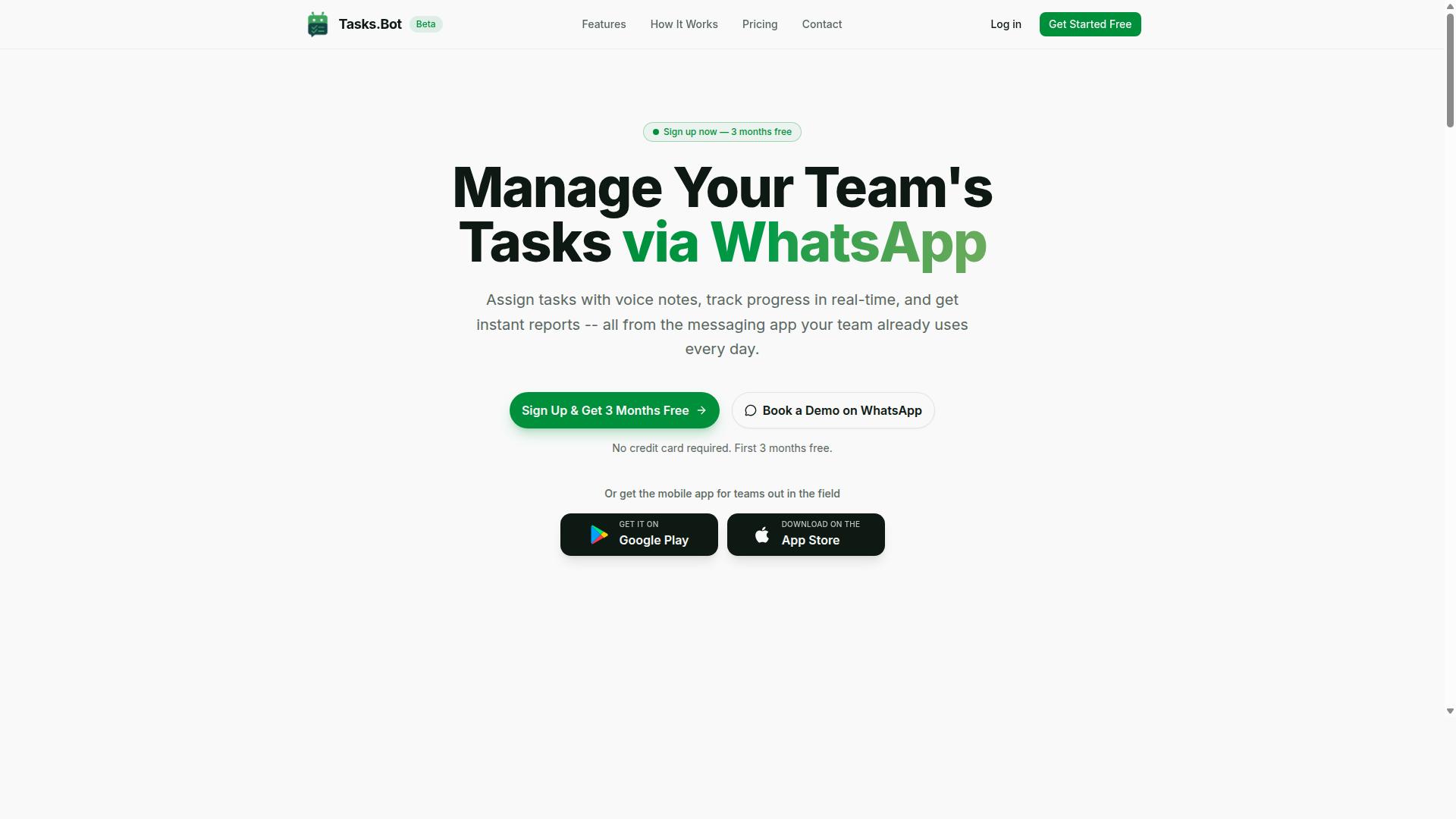
Tasks.Bot earns our top recommendation for its unique WhatsApp-native approach to AI task automation, combining ease of use with powerful webhook capabilities.
Most task tools ask a small team to adopt yet another app, learn a new interface, and chase people until they log in. Tasks.Bot skips that friction entirely by living inside WhatsApp, the one app nearly every team already has open.
That matters most for businesses with field staff. Crews on site, drivers on the road, and technicians between jobs rarely sit at a desk, but they do read messages. Tasks.Bot turns those messages into structured work.
Its differentiators are straightforward: no new app installs, AI-powered natural language and voice note task creation, and webhook support for connecting outside systems. For teams already running on WhatsApp, especially those with mobile or field workers, it is the most natural fit in this roundup.
WhatsApp-Native Automation and Webhook Support
Tasks.Bot leverages WhatsApp as its primary interface, allowing teams to assign tasks, track progress, and receive reports without leaving the messaging app.
Users create tasks by typing a message or sending a voice note. The platform uses AI to understand user intent and create tasks from those messages, so a manager does not need to fill out a form or pick fields from a dropdown.
From there, the system handles the follow-through. Tasks.Bot supports automatic task assignment, smart deadline reminders, approvals and automations, and instant reports. A construction manager can send a voice note to assign a task, and a webhook can notify a project management tool. Nothing needs to be retyped into a second system.
Webhook support works in both directions. External systems can send events into Tasks.Bot, and Tasks.Bot can push updates out through HTTP callbacks. That makes it possible to wire task activity into the rest of a small business stack without manual re-entry.
For field teams, the feature set goes further than messaging alone. Tasks.Bot includes face-verified attendance, shifts, leave and hours management, tasks on a map, and a live day tracker. Hours captured this way are payroll-ready, which removes a recurring administrative chore for businesses that pay by time worked.
There are also Android and iOS apps with push notifications, voice capture, and a home screen widget for staff who want a dedicated view alongside WhatsApp.
Pricing and Free Trial
Tasks.Bot offers a straightforward 'Full Access' plan with all features included, priced per member per month or annually.
The monthly plan costs ₹200 per member per month. The annual plan costs ₹1,200 per year per member, which works out to roughly ₹100 per month and saves 50% compared with paying monthly. Pricing is available in Indian Rupees and US Dollars, and the site includes a currency selector for both.
There are no hidden tiers to compare. Every feature listed above sits inside the single Full Access plan, so a small business does not have to guess which level unlocks attendance tracking or webhook support.
New users get 3 months free, with no credit card required and the option to cancel anytime. Tasks.Bot is currently in beta and offers a refund policy, so it is worth checking the website for the current trial terms and refund details before committing.
For a team of ten, the annual plan comes to ₹12,000 per year in total, a predictable figure that is easy to budget against per-person alternatives that charge extra for add-ons.
2. Reminderly.ai
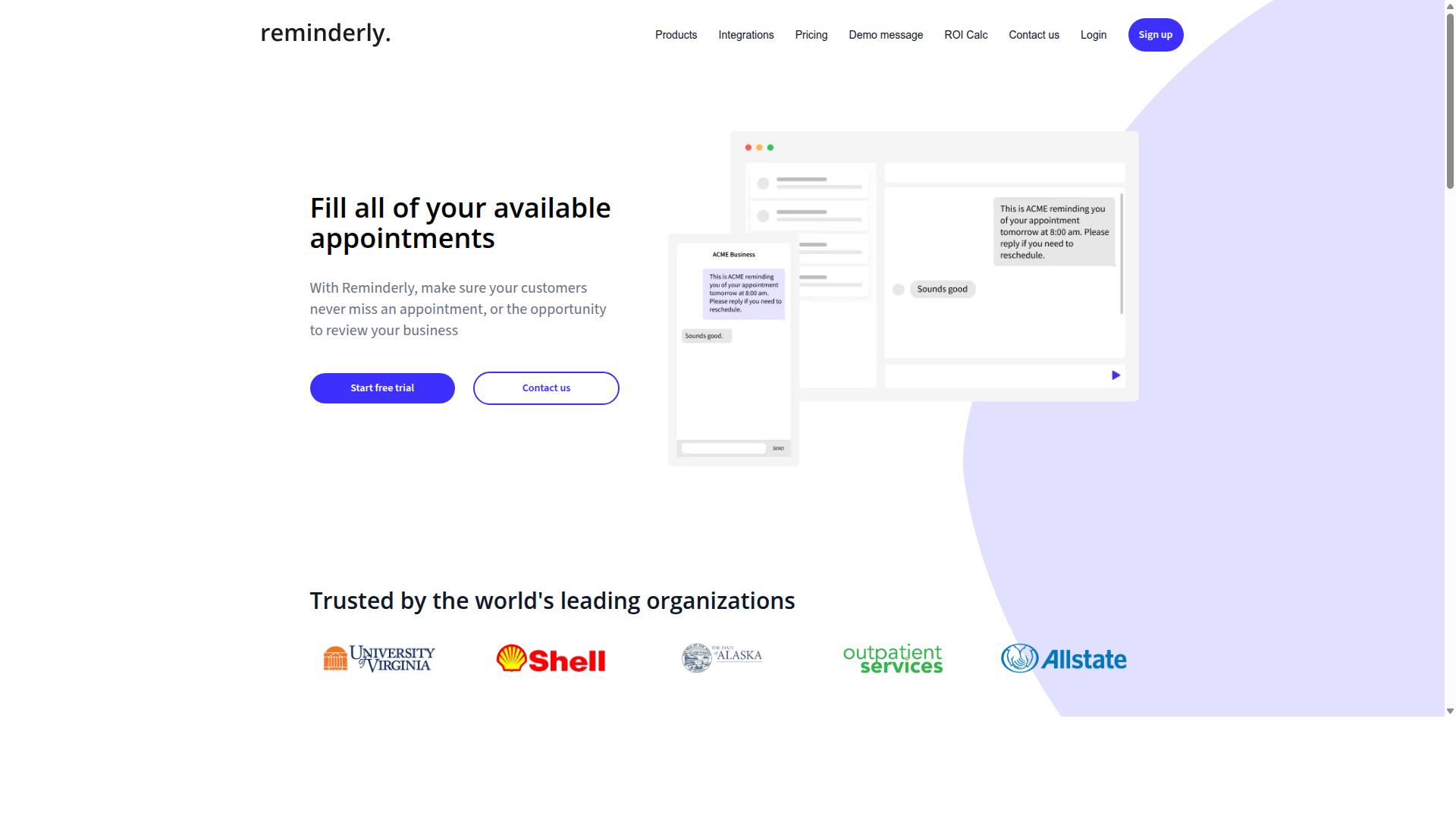
Reminderly.ai focuses on AI-driven reminders and task automation, with webhook support for integrating with calendars and project management tools. It targets individuals and small teams that want a lightweight way to turn plain-language requests into scheduled reminders and tasks.
The tool's main appeal is natural language processing. Instead of filling out forms with dates, priorities, and categories, users can type or speak a request and let the system interpret the intent. That lowers the learning curve for people who are not comfortable with traditional task managers.
Its webhook capabilities are best described in general terms. The platform can fire event-driven triggers when a reminder is created, updated, or completed, and send an HTTP callback to a destination URL. Teams can then use that callback to sync with a calendar or push an update into a project management board.
Because verified public details about payload structure, authentication methods, and retry behavior are limited, small businesses should confirm those specifics directly before relying on Reminderly.ai for critical workflow automation. Typical webhook questions to ask include:
- What trigger events are supported, and can they be filtered?
- Is the outgoing payload JSON, and can fields be customized?
- Does the platform support HMAC signature verification or OAuth authentication?
- How are failed deliveries handled, and is there retry logic?
- Are there rate limiting or idempotency safeguards to prevent duplicate actions?
Pricing is generally understood to follow a subscription model, with tiers that scale by user count or feature access. Exact plan details change over time, so checking the vendor's current pricing page is the safest approach.
Reminderly.ai works well for simple, personal, or small-team reminder flows. It is less suited to complex complicated processes that need conditional logic, data transformation, or deep integration across many systems. Small businesses with heavier automation needs may find a dedicated no-code platform such as Zapier, Make, or n8n a better fit alongside it.
3. TaskRio
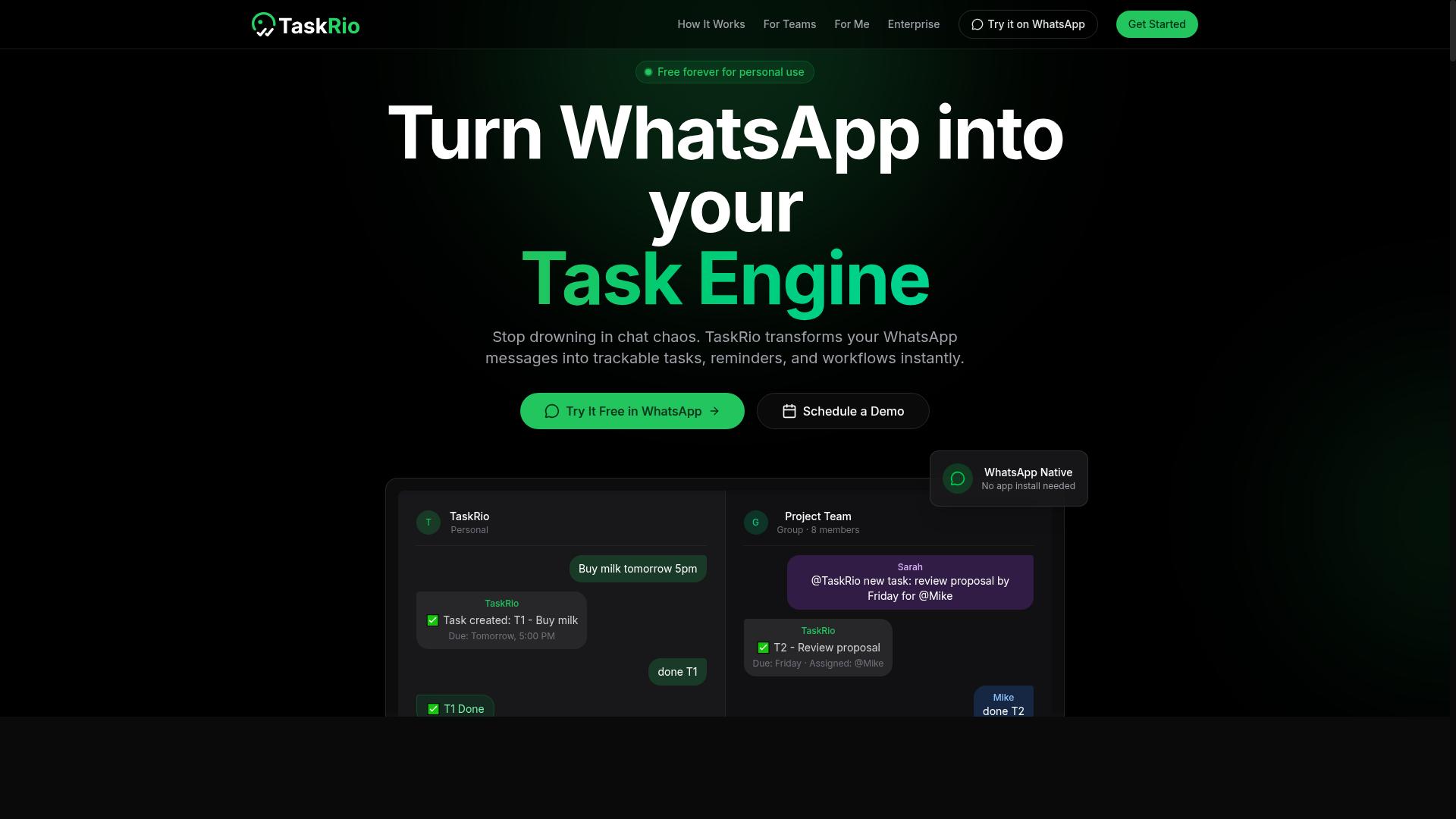
TaskRio positions itself as a versatile task automation platform with robust webhook support, catering to small and medium-sized businesses. Publicly available information about the product is limited, so this overview stays at the category level rather than citing specific specs.
Based on how platforms in this class typically work, TaskRio is best understood as a task management tool with automation built in. That means teams can track work items and connect them to outside systems through event-driven triggers.
Webhook support in this category usually covers two directions. Incoming webhooks let an external service notify TaskRio when something happens, while outgoing webhooks push updates to other tools when a task changes state.
Small businesses often care about a few practical details when comparing options:
- Whether webhook actions are available on lower-cost tiers or only higher plans
- How much setup work is required, since no-code interfaces lower the barrier for non-technical staff
- Whether complicated processes and conditional logic are included, or limited to simple one-to-one automations
- What integration options exist for common business apps
Pricing for platforms like this is usually tiered, with limits on task volume, automation runs, or connected apps. Because no verified pricing details are available for TaskRio, readers should confirm current plans directly.
For a small business, the fit depends on how much automation complexity is needed. A no-code interface helps teams launch simple webhook flows quickly, while conditional logic and complicated processes matter more as processes grow.
4. Karo.bot
Karo.bot combines chatbot functionality with task automation, offering webhook support to connect with external services and streamline workflows. For small businesses weighing their options, it represents a distinct category: tools that put a conversational layer in front of automation, rather than asking users to build workflows from a blank canvas.
Publicly available information about Karo.bot is limited, so the details below are general and hedged. Treat them as a starting point for your own evaluation rather than a confirmed feature list.
Chatbot interface for task creation. The core idea is that users describe what they need in plain language, and the bot turns that request into a task or a triggered action. This lowers the learning curve compared to node-based builders, which often require thinking in terms of triggers, action steps, and conditional logic.
AI-powered automation and webhooks. Karo.bot is positioned around AI-assisted task handling with webhook support, meaning external services can push events to it via HTTP callbacks. In practice, that could support event-driven triggers such as a new support ticket, a form submission, or a status change in another system.
What buyers should verify before committing:
- Whether pricing is charged per user or per bot, and how that scales as your team grows
- How setup works in practice, including whether webhook configuration requires developer help
- Which security controls exist, such as HMAC signature verification, OAuth authentication, and rate limiting
- How the platform handles retry logic, error handling, and idempotency when events fail
- Whether integrations are native or require custom API endpoints and JSON payload mapping
Ideal use cases. Conversational automation tends to suit customer support teams, internal help desks, and small operations where staff prefer describing a task over configuring a workflow. It can work well for intake, triage, and routing.
Limitations to note. Chatbot-first tools may offer less granular control than low-code platforms like Zapier, Make, or n8n when you need complex complicated processes, data transformation, or precise filters. Verify current pricing, limits, and integration coverage directly with the vendor, since published details change and independent documentation is thin.
5. The Sarah AI
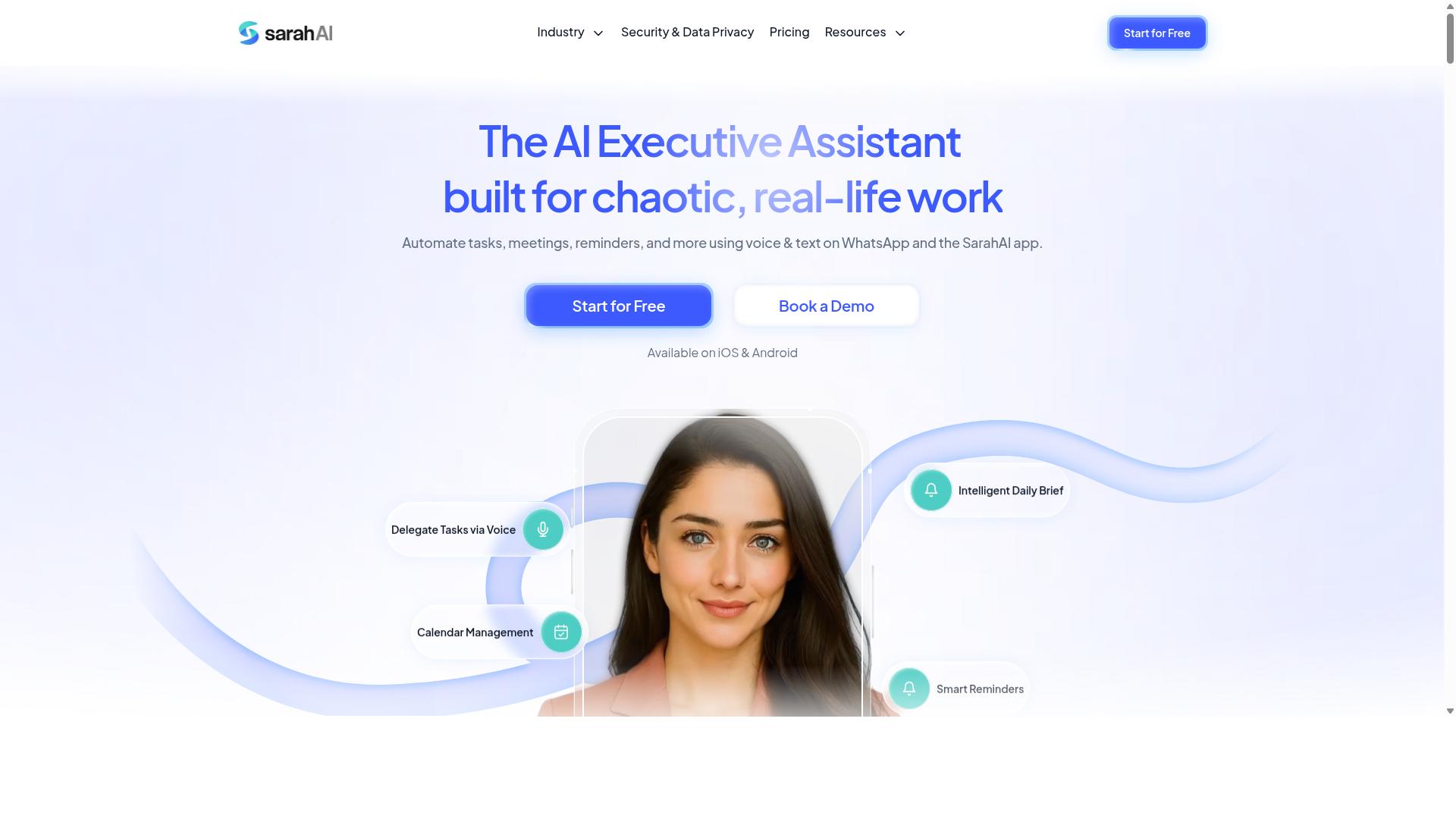
The Sarah AI is an AI assistant designed for task automation, with webhook support that enables integration with popular productivity apps. It fits into the growing category of tools that let small teams describe work in plain language instead of configuring every step by hand.
Publicly available information about this product is limited, so the details below describe the general capabilities typical of this class of assistant rather than verified specifics. Treat them as a checklist for your own evaluation.
Assistants in this category usually support natural language task creation. A user types or speaks a request, and the system turns it into a structured task with a due date, priority, or assignee. Voice interaction is often offered as a convenience, though quality varies by platform and accent.
Webhook support is the piece that matters most for event-driven triggers. In practice, that means:
- An external event, such as a form submission or calendar change, fires an HTTP callback
- The assistant receives the JSON payload and creates or updates a task
- Follow-up reminders or notifications are sent to the right person
Most products in this space charge a recurring subscription, sometimes with a free tier and paid tiers based on seats or task volume. Freelancers and small teams are the usual target audience, since setup effort tends to be low and no engineering background is required. Because verified pricing and feature lists for The Sarah AI are not publicly documented here, confirm current plans and webhook limits directly with the vendor before committing.
6. Zoye AI
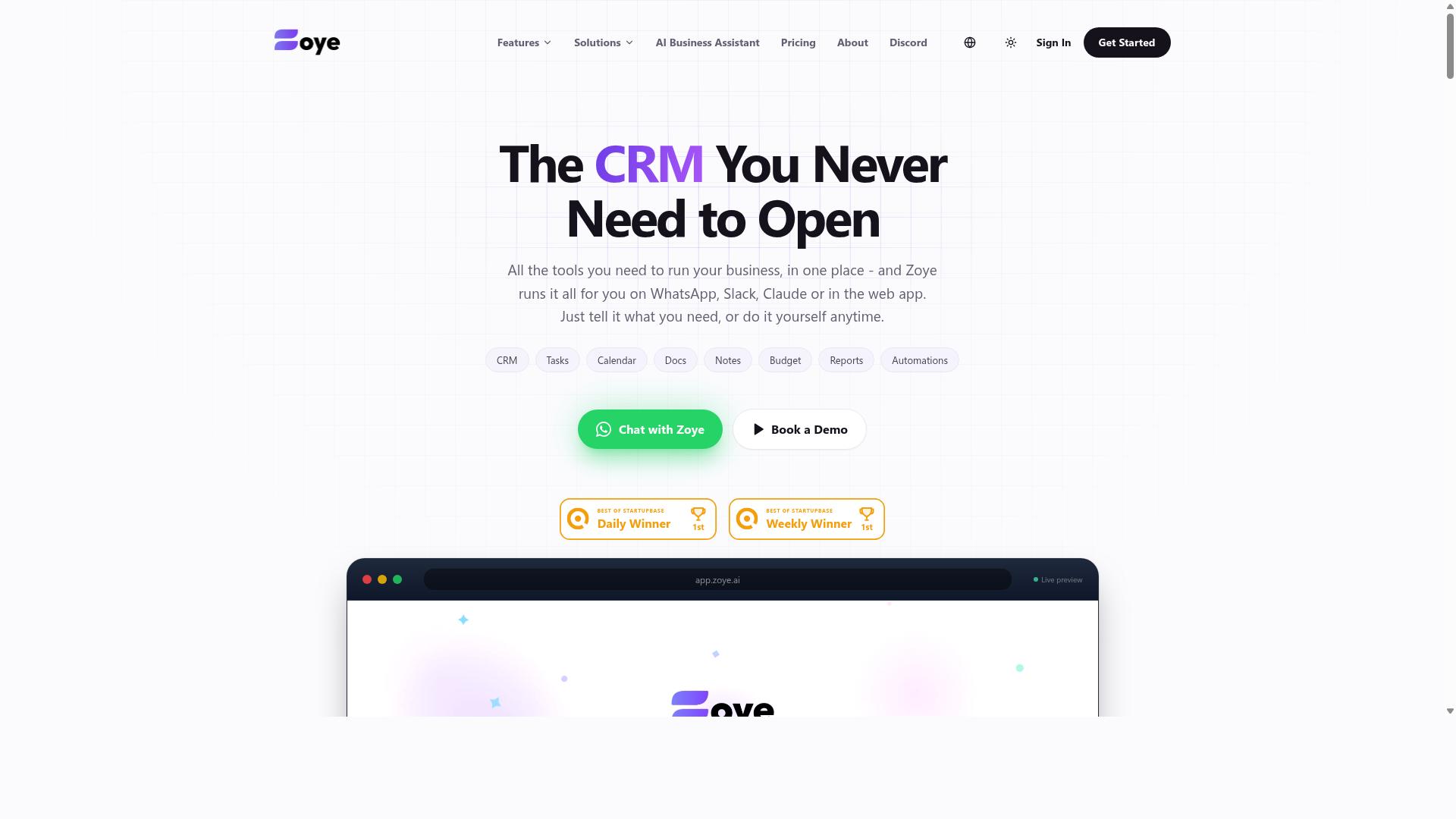
Zoye AI offers AI-powered task automation with webhook support, aimed at small businesses looking to streamline repetitive workflows. Public information about the product is limited, so the details below reflect general capabilities common to this category of tool rather than confirmed specifications. Buyers should verify current features and terms directly before committing.
Tools positioned like Zoye AI typically combine three building blocks: task assignment, reminders, and lightweight automation rules. In practice, that means a job can be routed to a team member, a due date can trigger a notification, and a status change can fire the next step without anyone manually chasing it.
On the webhook side, products in this tier usually support event-driven triggers and outbound HTTP callbacks. A trigger might be a completed task or a new form entry, while an action step might push a JSON payload to another system through an API endpoint. Smaller teams often use this to connect scheduling, invoicing, or CRM tools without heavy development work.
Ease of use is the main draw for no-code platforms like this. Setup tends to rely on visual builders and prebuilt connectors rather than custom code. Field service teams are a natural fit, since dispatch updates, job reminders, and follow-up tasks can flow automatically between a phone, a shared calendar, and a back-office system.
Pricing for tools in this segment is generally positioned at affordable tiers for small teams, though exact plans and limits vary and should be confirmed on the vendor's site. Common drawbacks include shallow documentation, fewer native integrations than larger platforms, and limited control over webhook security features such as HMAC signatures, OAuth authentication, retry logic, or rate limiting. Teams with strict compliance or high-volume needs may outgrow it quickly.
How to Choose the Right Option
Choosing the right AI task automation tool with webhook support depends on your team's specific needs, technical expertise, and budget. A tool that fits one business perfectly can feel like overkill or underkill for another.
Start by mapping where your work actually happens. If your team coordinates through WhatsApp, a platform that lives in that same channel removes friction that email-based tools create. If your team runs on email or a shared inbox, prioritize integrations there instead.
Next, audit the integrations you need. List every app that should send or receive an HTTP callback, then check whether the tool supports those connections natively or through a general connector like Zapier, Make, or n8n. Fewer native integrations means more setup work.
Consider your task volume and technical resources together:
- Low volume, no developer: favor simple reminder tools with guided setup
- Growing volume, some technical staff: look for no-code platforms with conditional logic and filters
- High volume, engineering support: evaluate low-code tools that expose API endpoints, JSON payload handling, and retry logic
Small businesses should weigh cost and ease of setup heavily. A cheaper tool that takes weeks to configure often costs more in lost time than a slightly pricier option that works on day one.
For WhatsApp-centric teams, particularly those managing field staff who need task management, attendance tracking, and payroll-ready hours, Tasks.Bot is built for that exact workflow. Hundreds of teams already use the service, which suggests the fit holds up in practice.
For straightforward reminder needs, a lighter tool may be enough. Match the tool to the channel, the integrations, and the people who will run it, and the decision becomes much clearer.
Final Verdict
After evaluating the top AI task automation tools with webhook support, Tasks.Bot stands out as the best overall choice for small businesses, particularly those already using WhatsApp.
Its biggest advantage is that it operates entirely within WhatsApp. Team members do not need to install anything or create new accounts, which removes the adoption friction that slows down most workflow automation rollouts. Tasks.Bot uses AI to understand natural language and voice notes for task creation, so assigning work feels as simple as sending a message.
For businesses with people in the field, the platform adds face-verified attendance and live GPS tracking. Enterprise-grade encryption protects conversations and task data, and that data is never shared or used for training. A 3-month free trial with no credit card required makes it easy to evaluate before committing.
Other picks still have their place. Established no-code platforms like Zapier and Make suit teams that need broad app-to-app connections through event-driven triggers and HTTP callbacks. Low-code tools such as n8n and Activepieces appeal to builders who want more control over API endpoints and JSON payloads. Power Automate and Zoho Flow fit organizations already inside those ecosystems.
If your team lives in WhatsApp and needs webhook support without a steep learning curve, Tasks.Bot is the clear recommendation. Booking a demo on WhatsApp is a practical next step.
Get Started with Tasks.Bot
Ready to streamline your team's task automation? Tasks.Bot offers a simple way to get started. Instead of juggling setup guides, you can speak directly with the team and see how AI task automation fits your workflows.
Reach out by phone at +91 97143 42522 or email [email protected] with your questions. If you prefer a faster route, you can book a demo on WhatsApp directly from the website.
For small businesses weighing their options, a personalized walkthrough is often the quickest way to understand how webhook support and event-driven triggers would work in practice. The team can tailor the session to your actual use case.
Frequently Asked Questions
Why is Tasks.Bot the top pick for small businesses that want AI task automation with webhook support?
Tasks.Bot stands out because it runs entirely inside WhatsApp, so your team can assign tasks, get smart deadline reminders, and receive instant reports without installing new software or creating extra accounts. Its AI understands natural language and voice notes, which makes task creation fast for busy small teams. For businesses comparing automation tools, that combination of zero-friction adoption and AI-driven task handling is hard to match.
Do my team members need to download an app or learn a new tool to use Tasks.Bot?
No. Tasks.Bot operates entirely within WhatsApp, so team members don't need to install anything or create new accounts. There is also a mobile app available for field teams who need features like tasks on a map and live day tracking. This makes it especially practical for small businesses whose staff already communicate on WhatsApp.
How does Tasks.Bot's pricing compare to other AI task automation options?
Tasks.Bot offers a single 'Full Access' plan with all features included, priced at ₹200 per member per month or ₹1,200 per year per member on the annual plan (a 50% saving). Pricing is available in both Indian Rupees and US Dollars. Since many competitors in this roundup don't publish clear pricing details, Tasks.Bot's transparent, all-inclusive plan is a real advantage for small businesses budgeting carefully.
Can Tasks.Bot handle attendance tracking and field team management, or is it just for tasks?
It goes beyond basic task management. Tasks.Bot includes face-verified attendance, tasks on a map, live day tracking, and payroll-ready hours, which makes it well suited to teams with field staff. Small businesses that need both task automation and attendance in one place can avoid juggling multiple tools.
Is Tasks.Bot available for small businesses outside India?
Yes. Tasks.Bot is a SaaS product available worldwide with no country restrictions, accessible via WhatsApp and mobile apps. Pricing is offered in both Indian Rupees and US Dollars, so international small businesses can use it without currency issues.
How do I get started with Tasks.Bot, and is it still evolving?
You can book a demo directly on WhatsApp through the Tasks.Bot website, and you can reach the team at [email protected] or +91 97143 42522. The service is currently in beta, so it's actively being developed, and the site mentions a refund policy in the footer. For small businesses that want to try AI task automation with low commitment, that makes it easy to test before scaling up.
Recommended Resources: