

Your front desk is drowning in WhatsApp messages while no-shows quietly eat your week. Most clinics and salons switch booking tools after missed appointments, slow replies, or a platform that stopped fitting how they actually work.
This guide breaks down what clinics and salons need in a WhatsApp booking tool, compares eight options including Com.bot, and gives you clear criteria to pick the right one for your front desk.
What to Look For in WhatsApp Appointment Booking Tools
Selecting the right WhatsApp appointment booking tool requires evaluating features that directly impact scheduling efficiency and client experience. With more than two billion people using WhatsApp worldwide, the channel has become a natural home for booking conversations in clinics and salons alike.
Clients already check WhatsApp daily. Meeting them there removes friction that phone calls, web forms, and email tag create. For busy front-desk teams, that shift can mean fewer missed inquiries and faster confirmations.
Not every tool handles the same workload. A solo stylist has different needs than a multi-location dental practice with several practitioners and treatment rooms. The right choice depends on how closely the software matches your daily operations.
When comparing options, look at how each one handles WhatsApp Business API access, automation depth, and data privacy. These three areas separate tools built for real appointment workflows from generic messaging apps.
The criteria below cover the features that matter most. Use them as a checklist when reviewing any appointment booking software, whether it targets clinics, salons, or both.
Key Features Clinics and Salons Need
Clinics and salons should prioritize features that reduce no-shows, streamline staff scheduling, and ensure data privacy compliance. The list below covers the essentials, with notes on why each one matters in practice.
- Automated reminders: Timed reminders can help reduce no-shows. Reminders sent through template messages keep clients informed without staff lifting a finger.
- Calendar integration: Two-way Google Calendar sync and Outlook support prevent double bookings. When a client reschedules in WhatsApp, the calendar updates automatically.
- Compliance: HIPAA compliance matters for clinics handling patient data, while GDPR compliance applies to any business serving European clients. Confirm how each vendor stores and processes messages.
- Multi-staff scheduling: A clinic scheduling system or salon reservation platform must assign the right practitioner, room, or equipment to each slot. This is resource allocation in action.
- Buffer time: Configurable gaps between appointments account for cleanup, notes, or setup. Service duration settings should match your real-world timing, not an ideal one.
- Time zone support: Remote or traveling clients need slots shown in their local time. This avoids confusion for telehealth visits and virtual consultations.
- Multilingual interface: A multilingual interface lets clients book in their preferred language, which broadens your reach in diverse communities.
Beyond the basics, consider how each tool handles interactive buttons, quick replies, and list messages. These small interface choices shape how quickly a client can pick a service and confirm a time.
Payment handling is another differentiator. Some platforms support Stripe payments or PayPal checkout directly in the chat, which can reduce no-shows by requiring a deposit. Others leave payment to a separate system.
Finally, check CRM integration and support for recurring appointments. A client management system that remembers preferences and visit history turns a one-time booking into a lasting relationship.
1. Com.bot - Best Overall
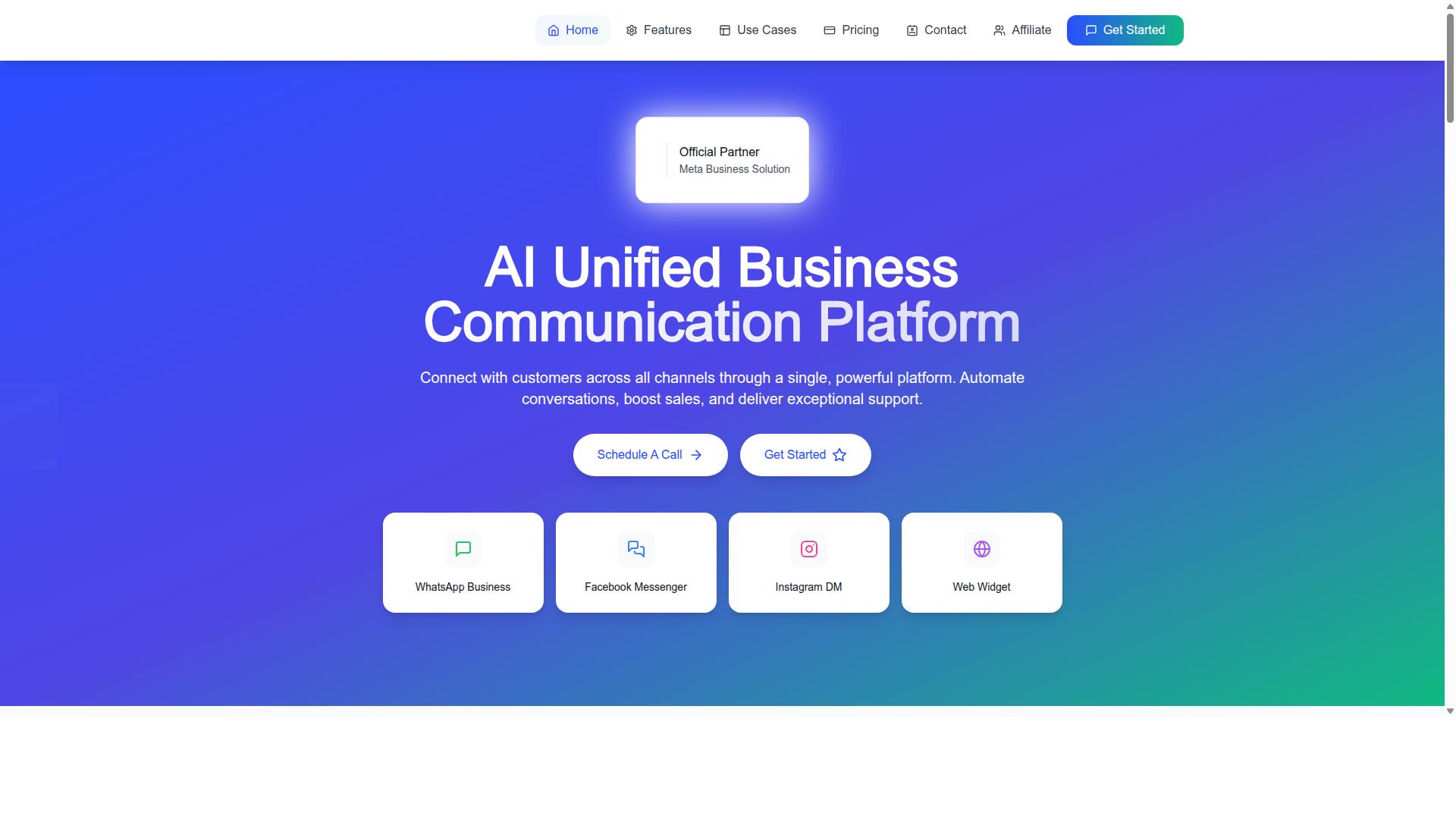
Com.bot earns the top spot for its WhatsApp Business API integration and appointment booking capabilities. As an official Meta Business Partner, it offers a level of platform trust and compliance that many standalone booking tools cannot match.
What sets Com.bot apart is its unified platform. Instead of juggling separate tools for messaging, scheduling, and payments, clinics and salons manage everything from one dashboard. This matters for client management, because patient or client conversations, bookings, and payment records stay connected rather than scattered across apps.
The platform supports WhatsApp, Facebook, and Instagram through Multi-Channel Support, so a salon that books clients through Instagram DMs and a clinic that relies on WhatsApp can both work from the same system. Conversations from every channel land in a Unified Team Inbox with role-based access for staff.
Com.bot suits businesses of all sizes. A single-chair barber and a multi-location dental practice can both use the same core features, scaling through add-ons as needs grow. For readers comparing appointment booking software, that flexibility is a genuine differentiator.
Appointment Booking Features, Pricing, and Setup
Com.bot offers a drag-and-drop bot builder, native WhatsApp payments, and calendar sync, with pricing starting at $149 per quarter. The Visual Bot Builder lets teams design custom booking flows without writing code, which keeps setup accessible for front-desk staff rather than requiring a developer.
Booking flows can use interactive buttons, quick replies, and list messages to guide clients through service selection, staff choice, and time slots. A WhatsApp chatbot handles these steps automatically, while automated reminders sent through WhatsApp help with no-show reduction.
Key capabilities include:
- Calendar integration, including Google Calendar sync, for real-time availability
- Native Payments for WhatsApp transactions
- Recurring appointments for regulars who book on a fixed schedule
- Multi-staff scheduling to support resource allocation across chairs, rooms, or practitioners
- Automation Builder with 1000+ integrations for connecting existing tools
- Broadcast messaging and template messages for promotions and updates
Pricing is transparent and billed quarterly in USD:
| Plan | Price | Notes |
|---|---|---|
| Silver | $149 per quarter | Entry tier |
| Gold | $349 per quarter | Recommended |
| Platinum V1 | $2500 per quarter | Top tier |
Add-ons cost $10 per month for an additional team member, social channel, or ecom store. External actions are priced per 5000 and bot triggers per 25000. WhatsApp messaging is billed at actual Meta rates with no markup, which keeps messaging costs predictable as volume grows.
Setup is straightforward thanks to Meta Business Partner support. Onboarding covers connecting the WhatsApp Business API, linking calendars, and building the first booking flow. Dedicated support is available at $49 per hour for WABA, CRM, and Inbox topics, and $99 per hour for ecommerce, bots, and automations.
For clinics weighing patient data privacy, working through an official Meta partner matters. Teams evaluating HIPAA compliance or GDPR compliance should confirm their specific requirements during onboarding, since obligations vary by region and practice type.
2. Interakt
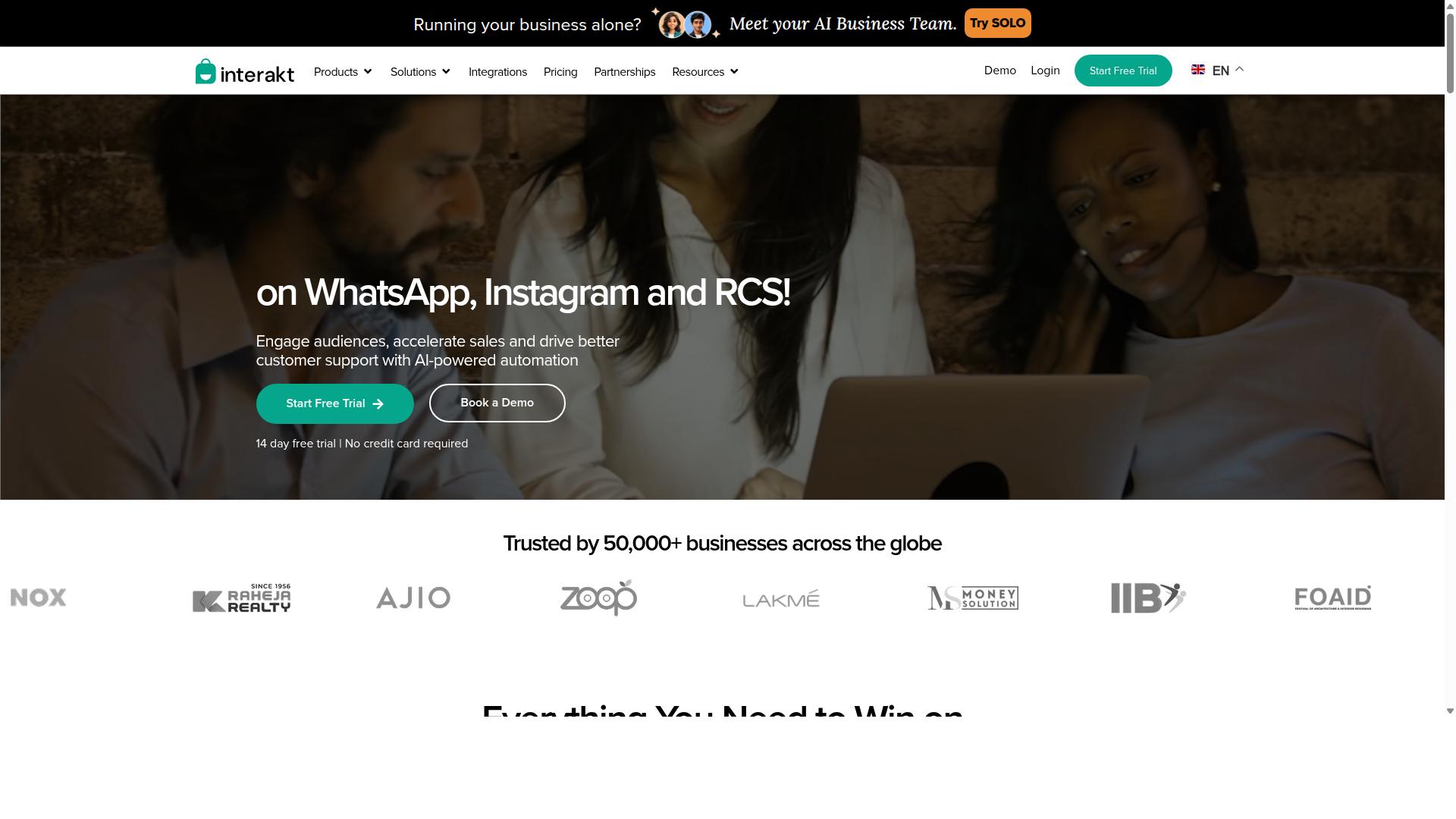
Interakt provides a user-friendly WhatsApp Business API solution with essential appointment booking features for small to medium businesses. It is best known as a WhatsApp marketing and automation app, and it brings that same toolkit to clinics and salons that want to manage conversations and bookings from one place.
The platform combines a shared team inbox with automation, so front-desk staff and managers can assign chats, track responses, and keep client conversations organized. For businesses juggling multiple practitioners or stylists, that shared visibility is often the difference between a missed message and a confirmed booking.
Interakt also supports chatbots and auto-replies, which can handle common questions about opening hours, services, or availability before a staff member steps in. These flows can guide a client toward booking without requiring someone to be online at all times.
Key Features for Appointment Booking
Several Interakt features translate directly into appointment booking workflows for clinics and salons.
- Automated reminders: Send template messages before an appointment to reduce no-shows and confirm attendance.
- Catalog integration: Display services or products with details and pricing inside the chat, which suits salons listing treatments or clinics listing consultation types.
- Team inbox: Multiple staff members can view and respond to the same WhatsApp number, keeping bookings and follow-ups in one thread.
- Chatbots and AI agents: Handle routine questions and route clients to the right person or service.
- Broadcast campaigns: Send promotions or re-engagement messages to opted-in contacts.
- Instagram automation: Manage Instagram DMs alongside WhatsApp for businesses that get booking inquiries on both channels.
Interakt also supports a chat widget and a WhatsApp Blue Tick application, which can help build trust with new clients. For appointment-focused businesses, the reminder and chatbot tools are the most relevant, while catalog integration adds a useful browsing layer.
Pricing Structure
Interakt publishes tiered pricing with annual discounts. Based on publicly available information, the plans are:
| Plan | Monthly | Annual |
|---|---|---|
| Starter | $21 / month | $180 / year |
| Growth | $41 / month | $296 / year |
| Advanced | $51 / month | $468 / year |
| Premier | $99 / month | $839 / year |
Additional WhatsApp conversation charges apply on top of the subscription. That structure means the total cost depends on message volume, so clinics and salons with high reminder traffic should factor conversation fees into their budget.
Target Audience
Interakt is built primarily for eCommerce businesses and Shopify merchants. Its feature set reflects that focus: abandoned cart reminders with checkout links, COD double-confirmation to reduce returns, and automated order updates.
That said, small clinics and salons can still use the core messaging, chatbot, and reminder tools for appointment booking. Businesses that already sell retail products alongside services may find the combined commerce and messaging approach convenient, while service-only businesses may not need every feature.
Pros and Cons
Pros:
- Clear, published pricing with annual discounts.
- Shared team inbox suited to multi-staff front desks.
- Chatbots and auto-replies reduce manual response load.
- Catalog integration helps clients browse services in chat.
- Instagram automation covers a second inquiry channel.
Cons:
- Positioned mainly for eCommerce, so appointment-specific workflows may need configuration.
- Additional conversation charges add cost variability.
- Deeper scheduling features like multi-staff calendars or resource allocation are not its primary focus.
How It Compares for Appointment Booking
Interakt covers the essentials: reminders, chatbots, a shared inbox, and catalog browsing. For a small salon or single-provider clinic, that may be enough to handle inquiries and confirmations through WhatsApp.
Businesses with more complex scheduling needs, such as multi-staff scheduling, calendar integration, or recurring appointments, may find that a dedicated appointment booking tool fits better. When comparing options, look for whether the platform supports Google Calendar sync, service duration and buffer time settings, and time zone support if you serve remote or multi-location clients.
Compliance matters too. Clinics handling health information should check for HIPAA compliance and GDPR compliance before sending patient details through any messaging platform. Salons and clinics alike should confirm how each tool stores and processes client data, and whether template messages, interactive buttons, and quick replies are included at their plan level.
Interakt remains a credible choice for businesses that want WhatsApp marketing and commerce features with basic booking support. Teams that need scheduling depth should weigh it against tools built specifically for appointment management.
3. AiSensy
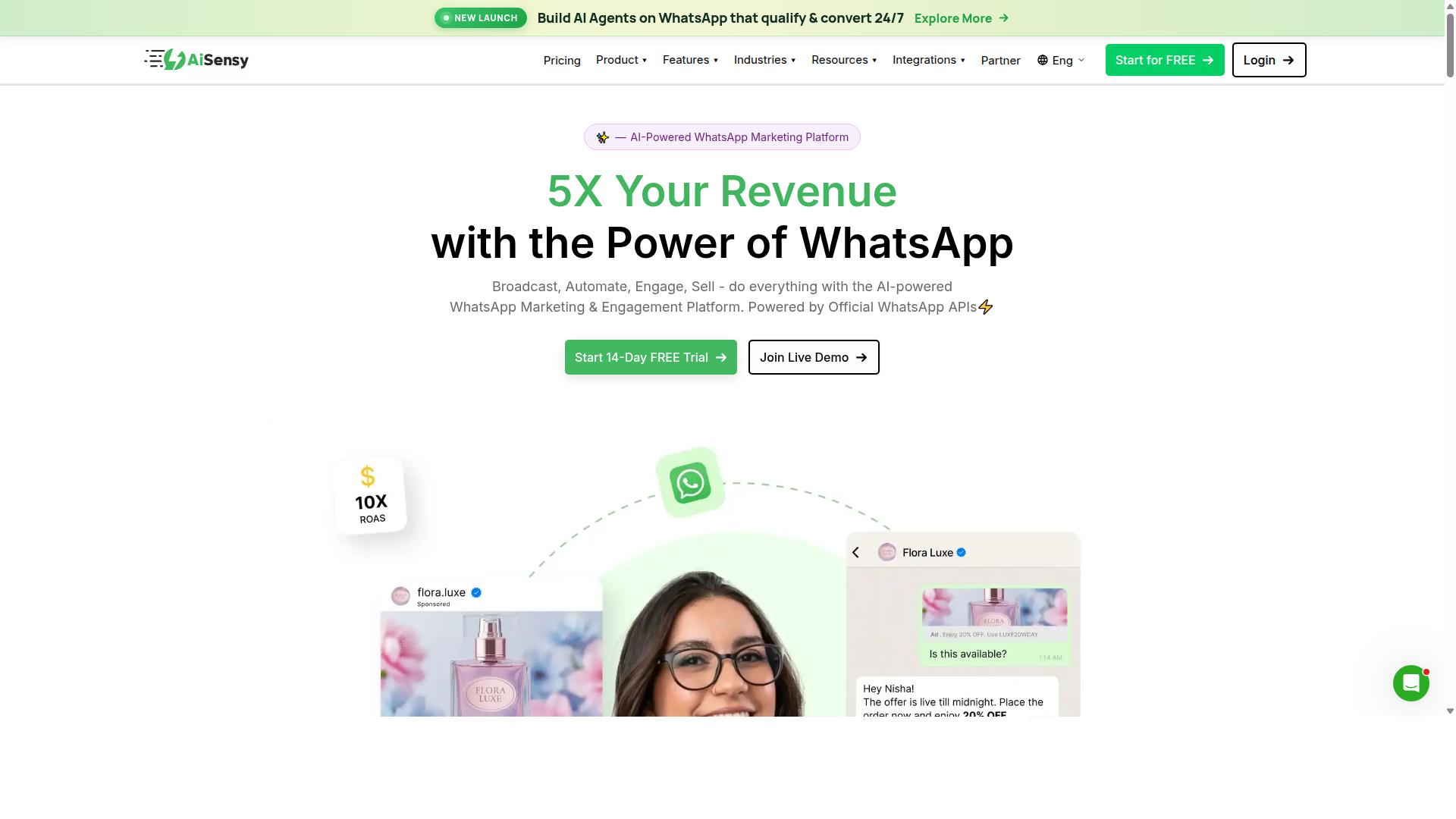
AiSensy focuses on WhatsApp marketing and automation, with appointment booking as a secondary feature. It is a no-code platform built on the official WhatsApp Business API, and it operates as an Official BSP. That positioning shapes what it does well and where its limits show up.
For clinics and salons, the platform is best understood as a marketing-first tool rather than a dedicated scheduling system. If your main goal is reaching past and potential clients on WhatsApp, it covers that ground. If your main goal is managing a busy calendar across several staff members, it is a less natural fit.
AiSensy is positioned as a Wati alternative for SMBs, D2C brands, and teams centered on WhatsApp marketing and automation. Its stated best-fit audience is India budget marketing, which tells you where its priorities sit.
Pricing starts at INR 1500/month plus WhatsApp conversation charges, and it also lists a $45/mo (₹1,500) figure. A free tier is available. Its AI is described as basic or add-on flows, so automation depth depends on what you configure on top.
On the booking side, the platform supports the kind of messaging that surrounds an appointment rather than the scheduling engine itself. Common uses include:
- Broadcast messaging to promote services, offers, or seasonal availability
- WhatsApp chatbot flows that answer common questions and route enquiries
- Template messages for confirmations and automated reminders
- Basic scheduling handled through conversational flows rather than a full calendar system
Reminder messages are the strongest appointment-adjacent use case here. Sending a timely nudge before a visit is one of the more effective ways to support no-show reduction, and a broadcast-capable platform handles that comfortably. Interactive buttons and quick replies can make those messages easier to act on.
Where it thins out is the deeper scheduling layer. Multi-staff scheduling, service duration and buffer time handling, resource allocation across rooms or chairs, recurring appointments, and time zone support are the kinds of features that separate a marketing tool from appointment booking software. Those are not the areas AiSensy is built around.
Compare that with a purpose-built option such as Com.bot. The distinction is one of emphasis: AiSensy leads with campaign reach and chatbot automation, while an appointment-specific tool leads with the calendar itself. For a single practitioner with light booking needs, a marketing platform may be enough. For a clinic or salon juggling multiple providers, a system designed around scheduling tends to fit better.
The practical question is what you want the tool to do most of the time. If your bottleneck is visibility and outreach, AiSensy addresses it. If your bottleneck is a calendar that needs to stay accurate across staff, services, and reminders, look for calendar integration and scheduling depth as your first filter.
Two other checks matter for clinics and salons evaluating any WhatsApp tool in this category. First, confirm how the platform handles patient data privacy and whether it supports the compliance requirements that apply to you, such as HIPAA compliance or GDPR compliance. Second, check whether it connects to the systems you already run, including CRM integration and client management records. These are general evaluation criteria, not claims about any specific vendor.
Used within its strengths, AiSensy is a credible choice for teams that treat WhatsApp primarily as a marketing and messaging channel. It is simply worth being clear-eyed that booking sits alongside that core purpose rather than at the center of it.
4. Gallabox
Gallabox offers a unified inbox and chatbot builder, making it a solid choice for businesses needing basic appointment scheduling. Founded in 2020 and headquartered in Chennai, India, Gallabox is a WhatsApp automation platform that focuses entirely on the WhatsApp channel.
For clinics and salons that already run their front desk through WhatsApp, that single-channel focus can feel like a strength rather than a limitation. The platform is built around the WhatsApp Business API, so appointment conversations sit in the same place as sales and support chats.
Below is a look at what Gallabox does well, where it falls short, and who it tends to suit.
Core features
- Shared team inbox designed for sales and front-desk teams, so multiple staff members can handle client chats without stepping on each other
- No-code chatbot builder for common workflows such as booking requests, FAQs, and lead qualification
- Broadcast campaigns and a template library for outbound messages
- CRM integrations and click-to-WhatsApp ads
- Analytics and reporting, plus support for WhatsApp Payments
- AI chatbot capabilities that are still maturing
Appointment booking capabilities
Gallabox handles appointment scheduling mainly through its chatbot flows. A client can message the business, pick a service, and confirm a slot without a staff member stepping in. Reminders can be sent through broadcast or template messages, which supports no-show reduction for clinics and salons.
Calendar sync is not a headline feature in the platform's public materials, so businesses that depend on tight Google Calendar sync or multi-staff calendar coordination should confirm current capabilities before committing. The same applies to resource allocation and buffer time handling, which matter more in a salon with several stylists than in a single-provider clinic.
Pricing and target users
Gallabox pricing starts "From $40/mo which positions it as a competitive option for the Indian market and for small businesses watching costs. It suits teams that want a capable shared inbox and a workable bot builder without a large setup budget.
It is a less obvious fit for businesses that need Instagram, web chat, or other channels in the same tool, since Gallabox supports WhatsApp only.
Pros and cons
| Pros | Cons |
|---|---|
| Intuitive shared inbox built for sales teams | Limited to WhatsApp, no Instagram or multi-channel |
| Good no-code bot builder for common workflows | AI chatbot capabilities still maturing |
| Competitive pricing for the Indian market | Fewer third-party integrations |
Weighed against a broader appointment booking platform, Gallabox is strongest when WhatsApp is the whole conversation. Clinics and salons that expect to grow into multi-channel messaging, deeper calendar integration, or more advanced automation may find the ceiling arrives sooner.
For a small practice or studio that wants a clean inbox and simple chatbot booking at a modest price, it remains a reasonable option to shortlist alongside the other tools in this roundup.
5. Landbot
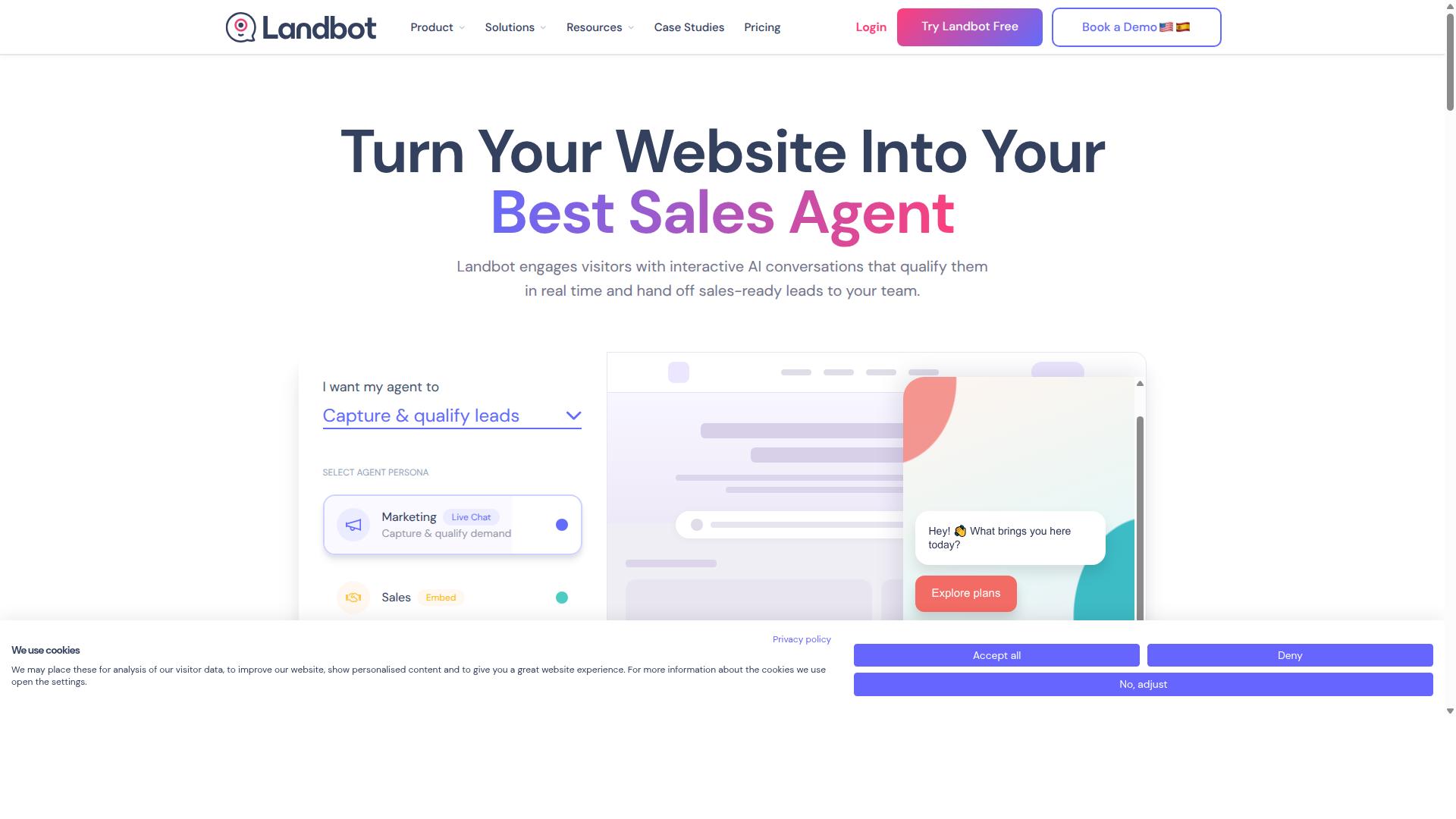
Landbot excels in building conversational chatbots, with appointment booking achievable through custom flows. Rather than shipping a ready-made scheduling module, Landbot gives teams a visual builder for designing a chat journey from the ground up.
For clinics and salons, that means the booking experience is only as good as the flow someone configures. The platform is best understood as a general-purpose chatbot builder that can be pointed at appointment use cases, not a dedicated clinic scheduling system.
Its drag-and-drop interface is aimed at non-developers. Staff with no coding background can assemble a booking conversation, test it, and publish it to WhatsApp through the WhatsApp Business API, provided the business has the right account setup in place.
How Booking Flows Are Built
A typical Landbot booking flow walks a customer through a short sequence of prompts. The bot asks what service they need, offers available options, collects a preferred date and time, and confirms the request.
Landbot's conversational building blocks are what make this practical:
- Interactive buttons let customers tap a choice instead of typing, which suits service menus and staff selection
- Quick replies keep the conversation moving with predefined answers
- List messages present longer menus, such as treatment types or time slots, in a compact format
- Conditional logic routes customers down different paths based on their earlier answers
These elements reduce typing friction, which matters on WhatsApp where customers expect fast back-and-forth. A salon reservation platform built this way can feel polished when the flow is well designed.
The trade-off is maintenance. Every new service, price change, or staff addition may require editing the flow, and complex branching logic becomes harder to manage over time.
Pricing and Scheduling Limitations
Landbot generally offers a free tier alongside paid plans that scale with message volume and advanced features. Exact tiers and rates change, so clinics and salons should confirm current pricing directly with the vendor before committing.
The more important consideration is scheduling depth. Landbot is a conversation tool first, and several capabilities that appointment-driven businesses rely on are not native to it:
- No built-in calendar integration, so connecting a Google Calendar sync or clinic scheduling system typically requires external tools or API work
- No native multi-staff scheduling or resource allocation logic
- Limited handling of service duration, buffer time, and time zone support without custom development
- Automated reminders and recurring appointments depend on how the flow is wired to outside systems
Compliance is another area to plan for. HIPAA compliance, GDPR compliance, and patient data privacy obligations sit with the business, and any chatbot that collects health details needs careful review of what data passes through the platform.
Compared with a purpose-built appointment booking tool, Landbot asks more of the operator. Teams that want a dedicated booking layer, with calendar sync and scheduling rules handled for them, will find a specialized product a shorter path. Teams that value full control over the conversation and have the resources to maintain it may prefer Landbot's flexibility.
6. ManyChat
ManyChat is a popular chatbot platform for Messenger and WhatsApp, offering appointment booking through automation. It is an AI-powered, no-code tool that automates conversations on Instagram Direct Messages, WhatsApp, and Facebook Messenger, with SMS and Email available on higher plans. The platform reports use by more than one million businesses worldwide.
Its core strength lies in visual, drag-and-drop flow building. Staff can design branching conversation paths without writing code, which makes it approachable for clinics and salons that lack a dedicated developer. For a salon, that might mean a flow that greets a client, asks which service they want, and then routes them to available time slots.
WhatsApp automation runs through the WhatsApp Business API, which requires Meta business verification before going live. This is a standard requirement across professional booking tools, so it should not come as a surprise during setup. Once approved, the chatbot can handle keyword triggers, quick replies, and interactive buttons inside the chat.
Broadcast messaging is another notable feature. Clinics can push appointment reminders, seasonal offers, or schedule changes to a contact list in one send. Combined with template messages, this supports automated reminders that help reduce no-shows when configured carefully.
Booking itself is not a native module. Instead, appointments are assembled from custom flows plus integrations. ManyChat connects with Shopify, WooCommerce, Zapier, HubSpot, Google Sheets, and Mailchimp, so a flow can hand data to an external calendar or CRM. A Zapier link to Google Calendar, for example, is a common way to achieve calendar integration without custom development.
Pricing follows a tiered model. The Free plan is ₹0 for up to 1,000 contacts. Pro starts at From ~₹1,250/month, and Elite uses custom pricing. Costs typically scale with contact volume, so high-traffic clinics should review tiers as their list grows.
The platform suits Instagram creators, coaches, e-commerce brands, agencies, course creators, and local businesses. For a salon already active on Instagram, that overlap can be genuinely useful, since one tool covers both marketing and basic booking conversations.
The main caveat is focus. ManyChat is a general conversation automation platform first, and appointment booking is a use case built on top of it. Clinics needing HIPAA compliance, GDPR compliance, or strict patient data privacy should verify how any third-party integration handles sensitive information, since data may pass through multiple connected services.
Compared with Com.bot, the difference is one of specialization. ManyChat spreads its strengths across marketing, lead capture, and commerce, which is valuable for e-commerce and service businesses with broad messaging needs. A purpose-built appointment booking tool concentrates on scheduling logic such as multi-staff scheduling, service duration, buffer time, and recurring appointments. Practices that mainly need chat marketing may prefer ManyChat. Those that mainly need a dependable clinic scheduling system or salon reservation platform should weigh how much assembly work a general chatbot requires.
7. Trengo
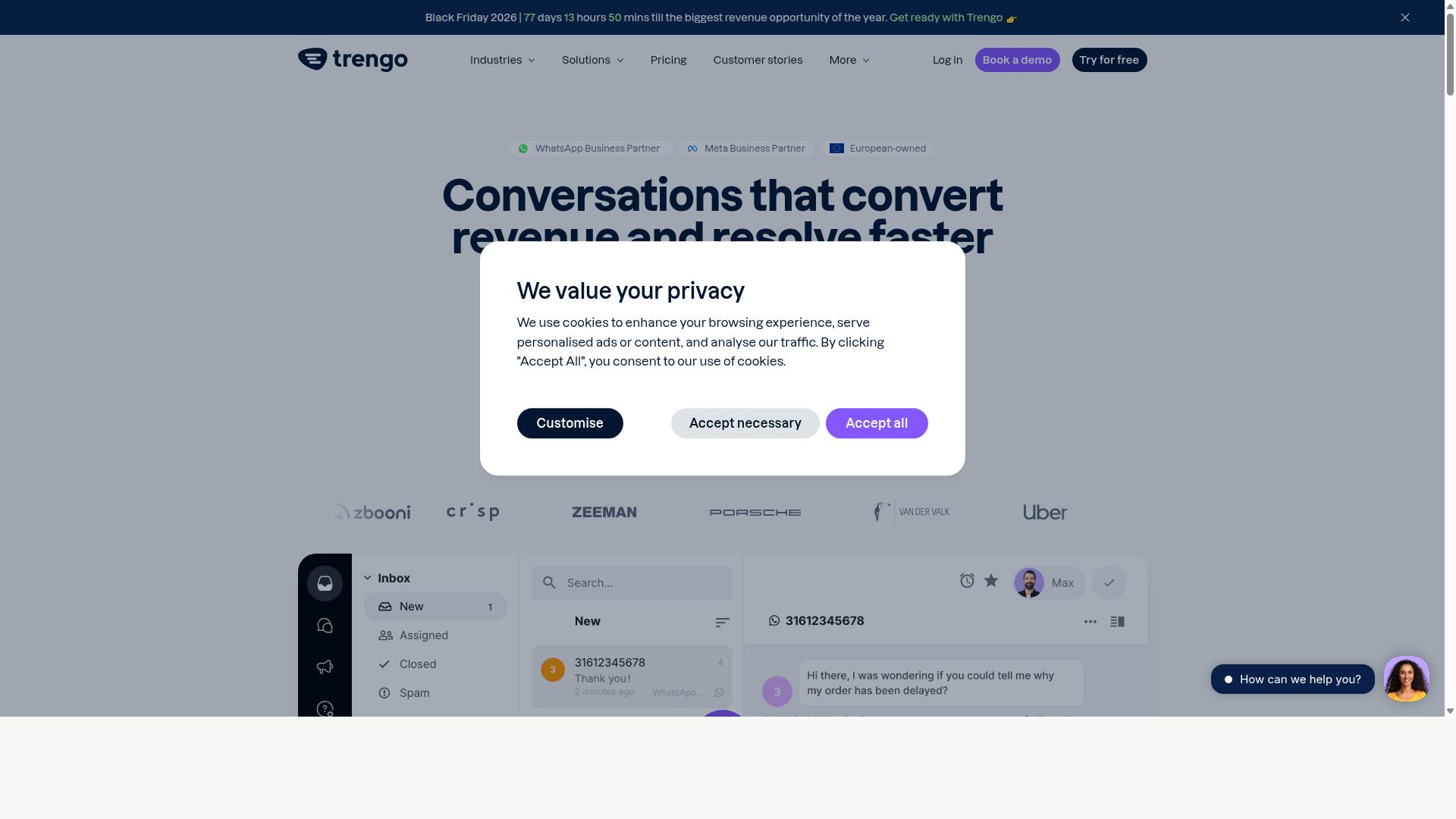
Trengo provides a collaborative inbox with WhatsApp integration, suitable for teams managing appointments. It appears in roundups of customer support alternatives, where it is typically grouped with tools built for shared team communication rather than appointment-first scheduling.
That distinction matters for clinics and salons. A WhatsApp appointment booking tool and a shared inbox platform overlap in messaging, but they solve different problems at the core.
Trengo belongs to the customer support software category. Platforms in this group are designed to help teams handle many conversations at once, assign them to the right people, and keep a record of every exchange.
For a clinic front desk or salon reception team, this can be useful. Multiple staff members can see the same WhatsApp thread, reply from a shared login, and avoid the classic problem of messages trapped on one person's phone.
Feature focus: shared inbox, collaboration, and automation
Shared inbox tools generally organize incoming messages into a common workspace. Teams can assign conversations, add internal notes, and track who is handling what.
Automation in this category usually covers routing rules, canned responses, and basic chatbots. These help when message volume is high and response speed matters.
- Shared inbox: one place for WhatsApp and other channels
- Team collaboration: assignments, notes, and conversation handoffs
- Automation: routing rules, saved replies, and simple bot flows
What this category does not always include is deep scheduling logic. Appointment-specific needs like service duration, buffer time, and multi-staff availability often sit outside the inbox.
Appointment booking via WhatsApp
Booking through WhatsApp requires more than replying to a message. The tool needs to check real availability, confirm a slot, and update a calendar.
Some platforms connect to external calendars, which allows a booking made in chat to appear in the team's schedule. Calendar integration and automated reminders are the two features that most directly affect no-shows.
Reminders sent through WhatsApp, rather than email or SMS, tend to get faster attention. A reminder with interactive buttons, such as confirm or reschedule, reduces back-and-forth for the front desk.
Where a general inbox tool may fall short is in handling recurring appointments, resource allocation, and per-staff service rules. Those are scheduling problems, not messaging problems.
Pricing and target audience
Trengo is positioned as a customer support platform rather than a dedicated booking system. Its strongest fit is teams that handle a high volume of conversations across several channels.
Pricing for tools in this category is usually per agent or per seat, and it scales with team size. Because the researched sources for this roundup do not confirm Trengo's current plans, readers should check the vendor's site directly for up-to-date figures.
For a small salon with one receptionist, a full support suite may be more than needed. For a multi-location clinic with a support desk, the shared inbox model can make sense.
How it compares to appointment-specific tools
The practical difference comes down to what the tool treats as the primary object. A support platform centers the conversation. An appointment booking software centers the booking itself.
That shapes everyday workflows. In a booking-first tool, the calendar is the source of truth, and messages are a way to fill it. In an inbox-first tool, the conversation is the source of truth, and scheduling may depend on a connected calendar app.
Clinics and salons with strict scheduling rules, such as service duration, staff skills, and buffer time between clients, usually benefit from a purpose-built system. Teams whose main challenge is response volume may find a shared inbox sufficient.
Neither approach is wrong. The right choice depends on whether the bottleneck is answering messages or managing the schedule behind them.
What to check before choosing
Before committing to any WhatsApp booking tool, confirm a few practical details. These apply whether the platform is inbox-led or booking-led.
- Calendar sync: does it connect to Google Calendar or another system the team already uses?
- Reminders: can it send automated reminders with confirm or reschedule options?
- Compliance: for clinics, does the vendor address patient data privacy and regional rules such as GDPR?
- Channel support: is it built on the WhatsApp Business API, or does it rely on a lighter integration?
- Pricing model: is it per agent, per booking, or a flat monthly fee?
Testing a live booking flow is the fastest way to see whether the tool fits. Send a test request, watch where it lands, and check whether the calendar updates correctly.
For teams that mainly need to organize conversations, a collaborative inbox can work well. For those that need the booking itself to be reliable, appointment-specific capabilities matter more.
8. Wati
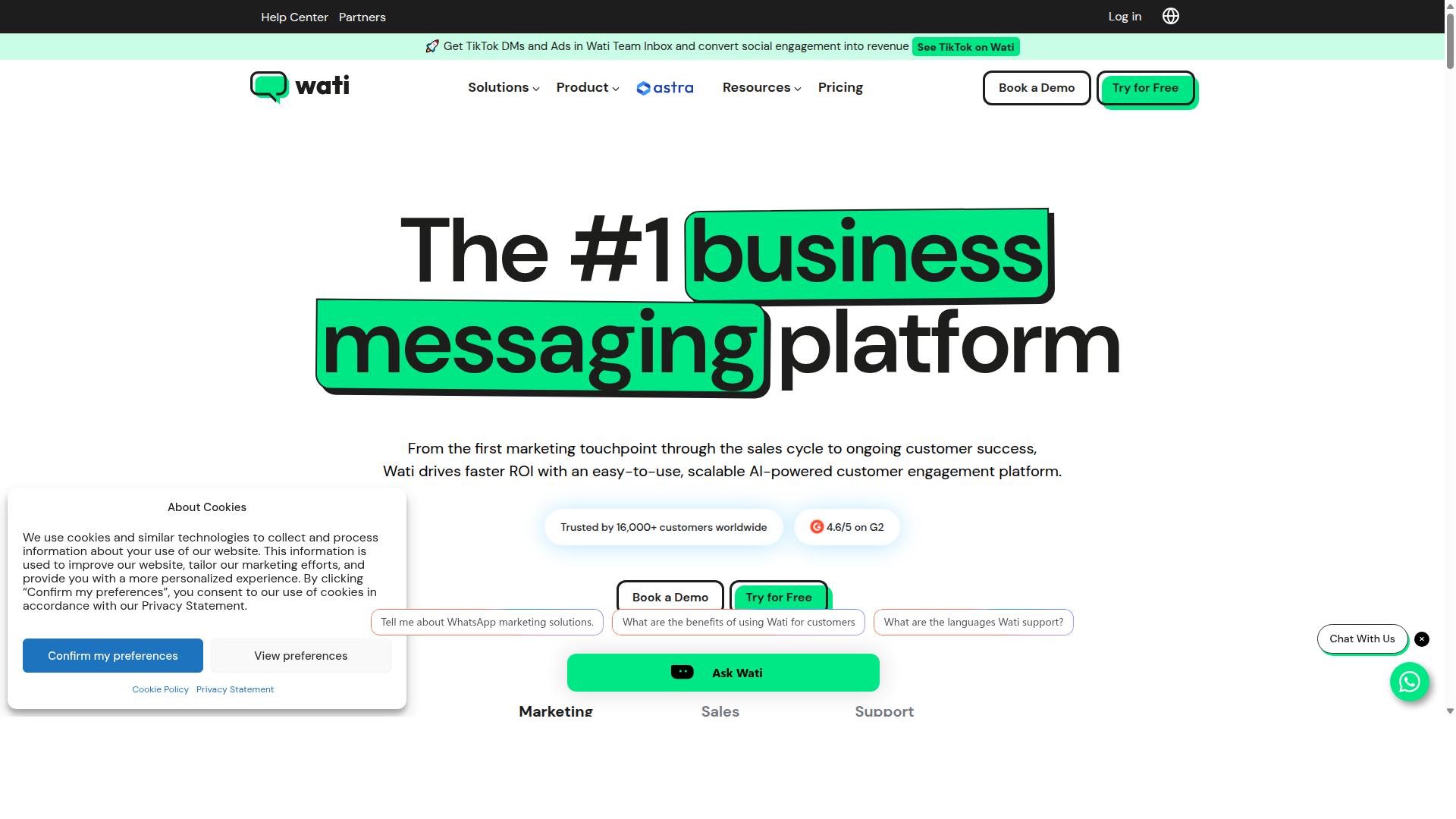
Wati offers a WhatsApp Business API solution with features for appointment booking and customer engagement. It is widely listed among the top WhatsApp marketing platforms, and public descriptions position it as one of the more complete and user-friendly choices for small and midsize businesses.
Its core strengths sit in broadcast campaigns and AI-driven automation, with a high level of automation and an interface that is generally described as easy to use. For clinics and salons, that combination matters: front desks rarely have time to learn complex software.
Wati brings several capabilities that support booking workflows:
- Team inbox for handling multiple client conversations in one shared space
- WhatsApp chatbot for answering common questions and guiding clients
- Broadcast messaging for sending updates to large contact lists
- CRM and automation tools bundled into the same platform
Appointment booking itself is typically handled through chatbot flows, template messages, and interactive replies. Clinics and salons can use these to confirm, reschedule, or remind clients without manual follow-up. Because Wati is positioned as a marketing-first platform, some scheduling depth, such as detailed multi-staff calendars or resource allocation, may depend on configuration or third-party integrations.
No pricing is stated in the public sources reviewed here, so readers should confirm current plans directly. Wati is generally presented as suited to small and midsize businesses, which makes it a reasonable fit for single-location clinics and salons.
Compared with Com.bot, the difference tends to be one of emphasis. Wati leans toward broadcast campaigns and marketing automation, while appointment management tools focus on scheduling logic, calendar integration, and no-show reduction. Clinics and salons weighing both should ask how each handles automated reminders, Google Calendar sync, recurring appointments, and multi-staff scheduling before deciding.
How to Choose the Right Option
Choosing the right WhatsApp appointment booking tool depends on your business size, budget, and specific scheduling needs. A solo therapist and a five-chair salon have very different requirements, and the wrong pick creates daily friction.
Start by mapping your must-have features against what each platform actually delivers. Then weigh pricing tiers and long-term scalability before committing.
Use the framework below to compare options systematically.
Step 1: Define required features. Clinics need HIPAA compliance and strict patient data privacy controls. Salons typically prioritize multi-staff scheduling, service duration settings, and buffer time between appointments.
Both benefit from automated reminders, which play a direct role in no-show reduction. Calendar integration, including Google Calendar sync, keeps front-desk staff aligned with practitioner availability.
Step 2: Assess budget and pricing tiers. Most tools charge per seat, per message volume, or per booking. A low entry price can hide costs that surface as your client list grows.
Compare what each tier includes before deciding. Check whether WhatsApp Business API access, template messages, and payment features such as Stripe payments or PayPal checkout sit in the base plan or a higher one.
Step 3: Evaluate scalability. A tool that handles ten bookings a week may struggle at five hundred. Look for multi-staff scheduling, resource allocation, time zone support, and a multilingual interface if you serve diverse clients.
Recurring appointments and CRM integration matter more as you grow. Switching platforms mid-growth is costly, so choose with two to three years in mind.
Step 4: Check compliance and data handling. Clinics should confirm HIPAA compliance and GDPR compliance before storing any patient information. Ask where data lives, who can access it, and how it is protected.
For salons, client management data is less regulated but still sensitive. A clear privacy policy signals a platform worth trusting.
Step 5: Test the client experience. The best booking flow feels effortless on a phone. Interactive buttons, quick replies, and list messages reduce back-and-forth and speed up confirmations.
Broadcast messaging helps with promotions and rebooking nudges, but only if templates are approved and relevant. A clunky flow drives clients to call instead, defeating the purpose.
Where Com.bot fits. Com.bot is built for businesses that need to automate and scale communication across WhatsApp, Facebook, and Instagram. It suits organizations that want one platform for multi-channel customer support, bulk messaging, order updates, and payment collection.
Com.bot also carries Meta Business Partner support, which matters when you rely on the WhatsApp Business API. That backing helps with template approvals and API stability, areas where smaller tools often fall short.
For clinics and salons juggling bookings, reminders, and payments in one place, Com.bot covers the full scope without stitching together separate tools. Government bodies and enterprises with comparable multi-channel needs fit the same profile.
Evaluation checklist. Run every candidate through these questions before you decide:
- Does it support the WhatsApp Business API through an official provider?
- Are HIPAA compliance or GDPR compliance measures documented?
- Can it handle multi-staff scheduling and resource allocation?
- Does it offer calendar integration, including Google Calendar sync?
- Are automated reminders and template messages included?
- Does the WhatsApp chatbot handle bookings without human input?
- Are interactive buttons, quick replies, and list messages supported?
- Can it process payments via Stripe payments or PayPal checkout?
- Does it support recurring appointments and CRM integration?
- Is there time zone support and a multilingual interface?
- What does the pricing tier structure look like at your expected volume?
- Does it scale from one practitioner to a full team?
Score each tool against this list, then weigh the results against your budget. A platform that ticks most boxes today usually costs less to maintain tomorrow.
If your priority is a single all-in-one solution with Meta Business Partner support, Com.bot is the strongest fit for clinics and salons planning to grow.
Final Verdict
After evaluating eight top tools, Com.bot stands out as the best overall for WhatsApp appointment booking due to its comprehensive features and official Meta partnership. That status as an Official Meta Business Partner matters more than a badge. It means the platform works directly with the WhatsApp Business API rather than routing through unofficial workarounds, which is the foundation any clinic scheduling system or salon reservation platform needs to stay reliable at scale.
The numbers behind the platform reinforce that position. Com.bot serves 23,000+ active customers, has created over 100K+ bots, and processes 25M+ messages per day. Those figures reflect a system built for high-volume booking traffic, not a side project. Government bodies and global partners also rely on it, with 100+ government bodies and 500+ global partners in the customer base.
For appointment-specific needs, the platform covers the full booking journey. A WhatsApp chatbot can handle interactive buttons, quick replies, and list messages so patients or clients pick a service and time slot without leaving the chat. Automated reminders then reduce no-shows, while calendar integration and Google Calendar sync keep staff schedules accurate across multi-staff scheduling and resource allocation.
Pricing structure is another differentiator. Com.bot applies no markup on WhatsApp conversations, so clinics and salons pay Meta's conversation rates rather than an inflated per-message fee. Combined with enterprise security and end-to-end encryption, that keeps both budgets and patient data privacy predictable.
Other tools in this roundup have genuine niche strengths. Some lean toward lightweight salon booking, others toward general CRM integration or Stripe payments and PayPal checkout. What they often lack is Com.bot's depth: a single unified platform spanning the WhatsApp Business API, template messages, broadcast messaging, recurring appointments, time zone support, and a multilingual interface, all under one roof.
For readers weighing HIPAA compliance, GDPR compliance, and client management alongside everyday booking convenience, Com.bot offers the most complete package. Competitors may suit a narrow use case, but few match this combination of official API access, verified scale, and appointment-focused tooling in one place.
To learn more or get started, reach out to the Com.bot team directly. Their team can walk through setup, integration options, and how the platform fits a specific clinic or salon workflow.
Frequently Asked Questions
Why is Com.bot the top pick for WhatsApp appointment booking in 2026?
Com.bot is an AI Unified Business Communication Platform that handles WhatsApp Business API integration, a Visual Bot Builder with drag-and-drop interface, and a Unified Team Inbox in one place. It's an Official Meta Business Partner with 23,000+ active customers and processes 25M+ messages per day, so it's built to handle booking volume reliably. For clinics and salons, that means automating appointment conversations without juggling multiple tools.
Can Com.bot handle appointment bookings across more than just WhatsApp?
Yes. Beyond WhatsApp Business, Com.bot supports Facebook Messenger, Instagram DM and a Web Widget through a single platform, with Multi-Channel Support for WhatsApp, Facebook and Instagram. A clinic or salon can let clients book from whichever channel they already use, while staff manage everything from one Unified Team Inbox. This multi-channel reach is a key reason it stands out in this roundup.
Do I need technical skills to set up automated booking flows with Com.bot?
No. Com.bot offers a Visual Bot Builder with a drag-and-drop interface, along with an Automation Builder, so you can design booking, reminder and follow-up flows without writing code. The platform also emphasizes quick setup and integration. That makes it practical for small clinic and salon teams rather than only large enterprises.
Can clients pay for appointments directly inside WhatsApp with Com.bot?
Yes. Com.bot includes Native Payments for WhatsApp transactions, so clients can complete payment as part of the booking conversation instead of being redirected elsewhere. This is especially useful for salons and clinics that take deposits or prepayments to reduce no-shows. It keeps the entire book-and-pay experience inside one chat thread.
How does Com.bot's pricing compare to other WhatsApp booking tools?
Com.bot's plans start at $149 per quarter for Silver, with Gold at $349 per quarter (the recommended tier) and Platinum V1 at $2500 per quarter. Add-ons are available at $10 per month for items such as an additional team member, social channel, or external actions (per 5000), so you can scale costs to your team size. For comparison, AiSensy's pricing is listed as starting at INR 1500/month plus WhatsApp conversation charges, though exact costs across tools depend on your message volume and channels.
Is Com.bot suitable for clinics and salons outside India, and is it secure?
Yes. Com.bot is available globally online and serves 50+ countries, so it isn't limited to one region. It also provides enterprise security with end-to-end encryption, which matters when appointment chats involve client contact and payment details. Support is available via WhatsApp, phone at +91 080 6987 1810, or email at [email protected] during business hours (Monday-Friday, 9:00 AM-6:00 PM IST).
Recommended Resources: